
Xinflying DTF Printer Technical Support
Get ready to install. Watch video tutorials. Learn printing tips.
Preparation before installation
Confirm all installation conditions before the digital printing equipment arrives to ensure smooth setup and commissioning.

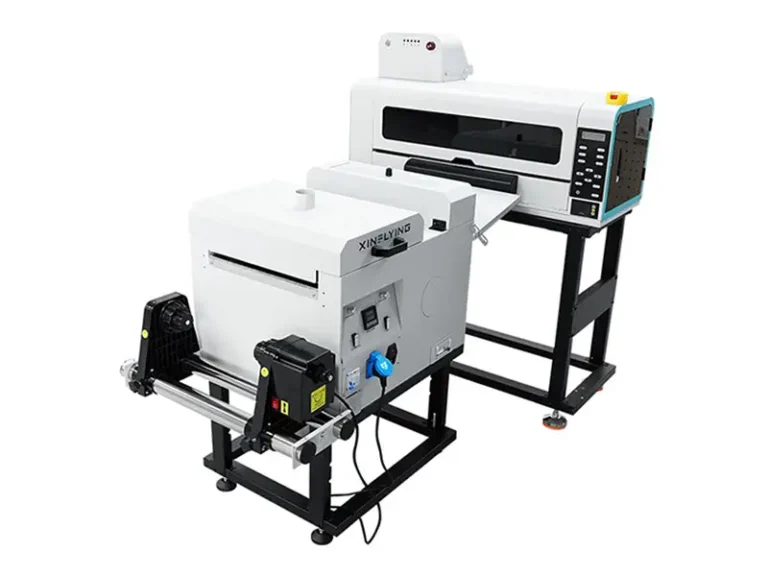

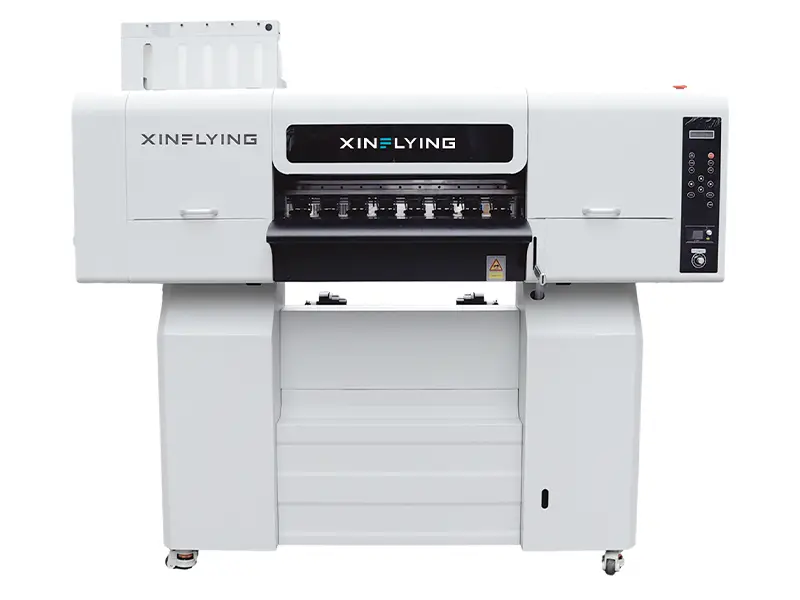


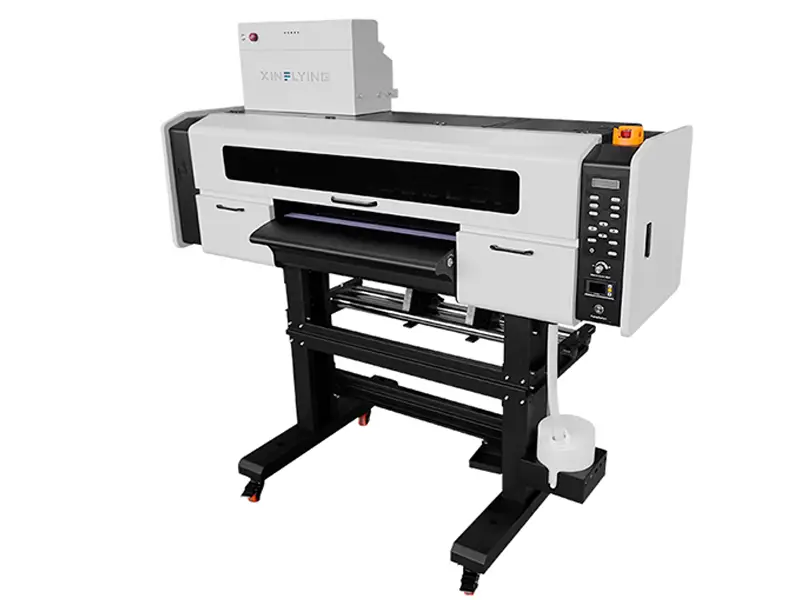
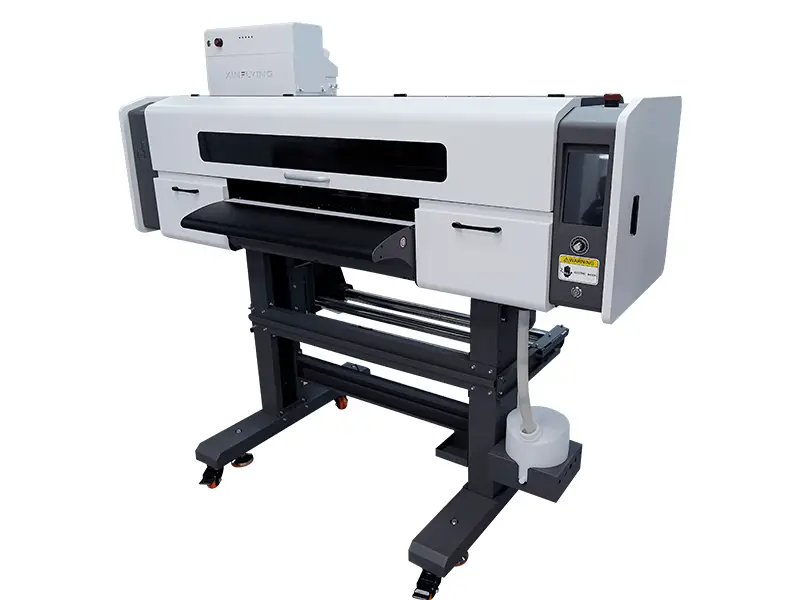
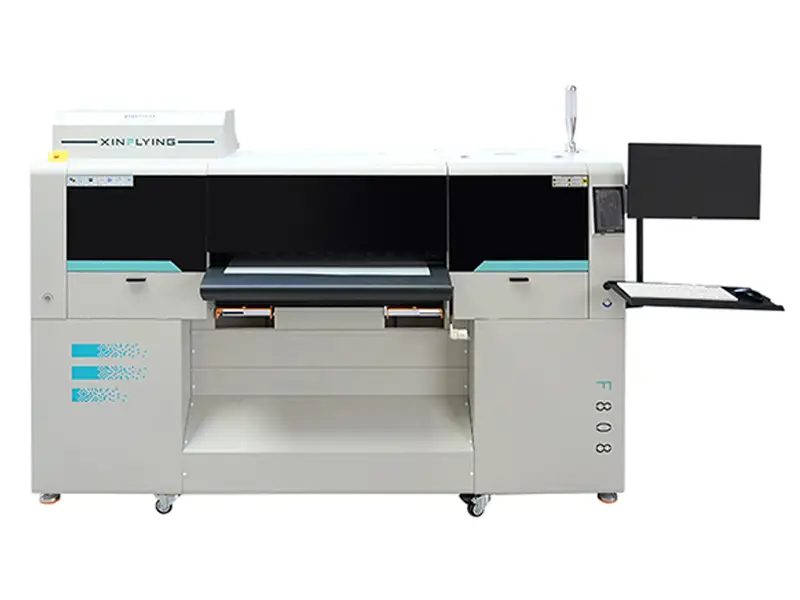
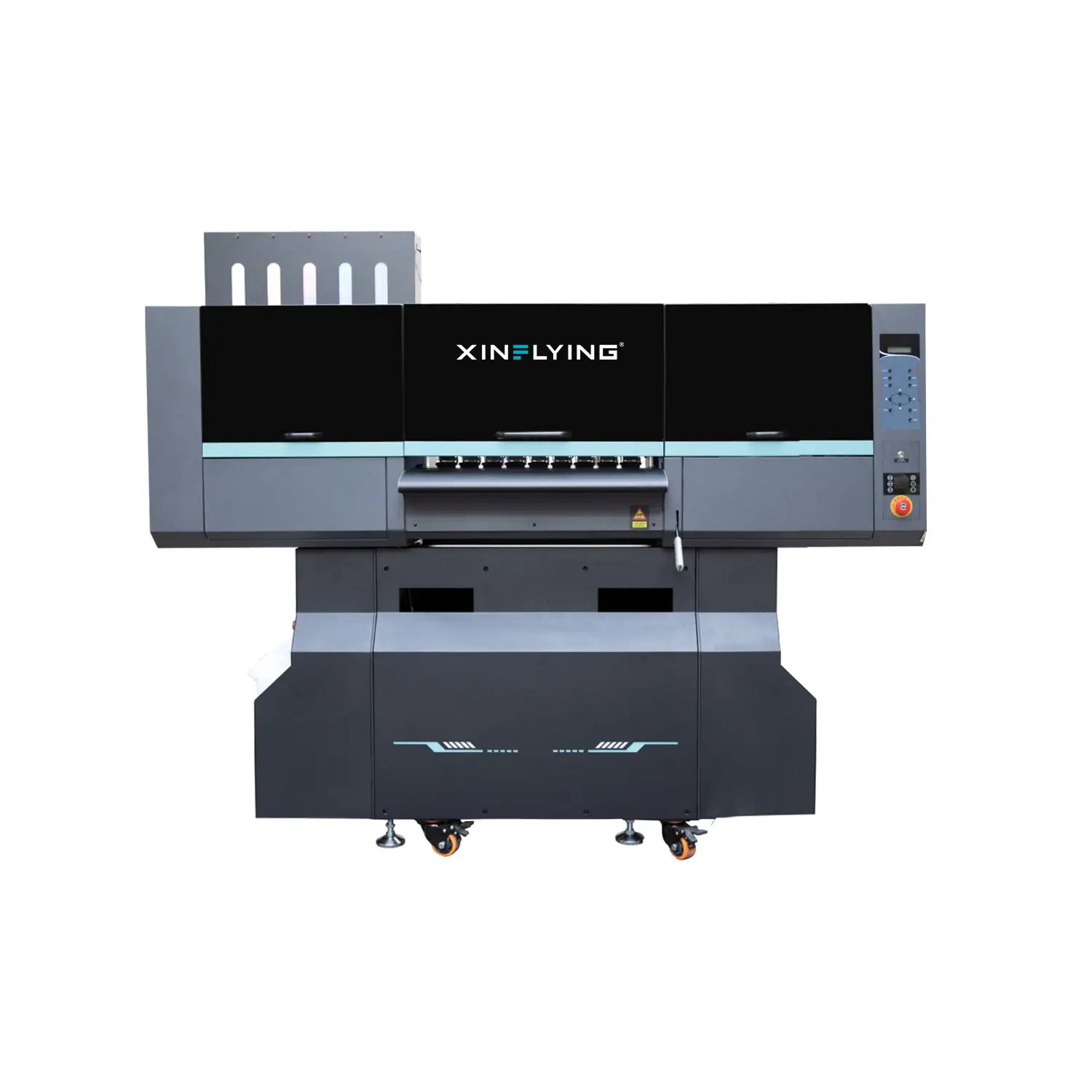

Printer Consumables: Selection, Use & Storage
Correctly select, use and store consumables to ensure print quality and device stability.
Troubleshooting Center
Find practical fixes and step-by-step guides for common DTF printer issues.
1. Banding or missing lines in the print
2. White ink is weak or uneven
3. Film feeds unevenly or moves off line
4. Software cannot connect to the printer
Technical Operation and Repair
Find guides for operating, maintaining, and repairing your DTF printer, including software setup.
01
PRINTER HARDWARE OPERATIONS
02
Printer Software & Settings
03
RIP Software Operation
04
Maintenance & Care
05
Post-Processing Equipment
06
Safety & Cautions
Frequently asked questions
Quick answers to common questions about setup, print quality, and maintenance.
What should be ready before installation?
Prepare the required space, electrical supply, ventilation, computer, network and recommended materials for the machine.
What information helps diagnose a print problem?
Include the machine model, serial number, nozzle check, clear output photos and a description of recent changes.
When should routine cleaning stop?
Stop when the approved sequence does not improve the issue, or when a mechanical or electrical fault is present.
How should consumables be stored?
Keep them sealed, clean and within the environmental range stated in the applicable product documentation.
Technical support and warranty service
Prepare complete information so the service team can review the request efficiently.
Before submitting
- Confirm the machine model and serial number.
- Prepare proof of purchase where applicable.
- Include photos or video of the fault.
- List the checks already completed.
What happens next
The technical team reviews the evidence, confirms the next diagnostic step and advises whether parts or on-site service are required.
Still have questions?
Submit your machine details and fault evidence to the technical support team.