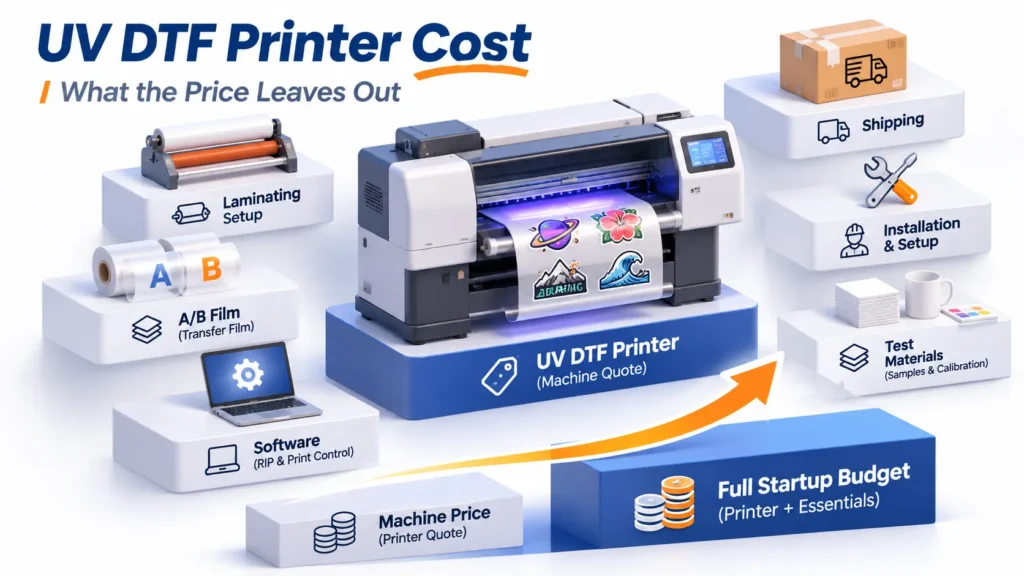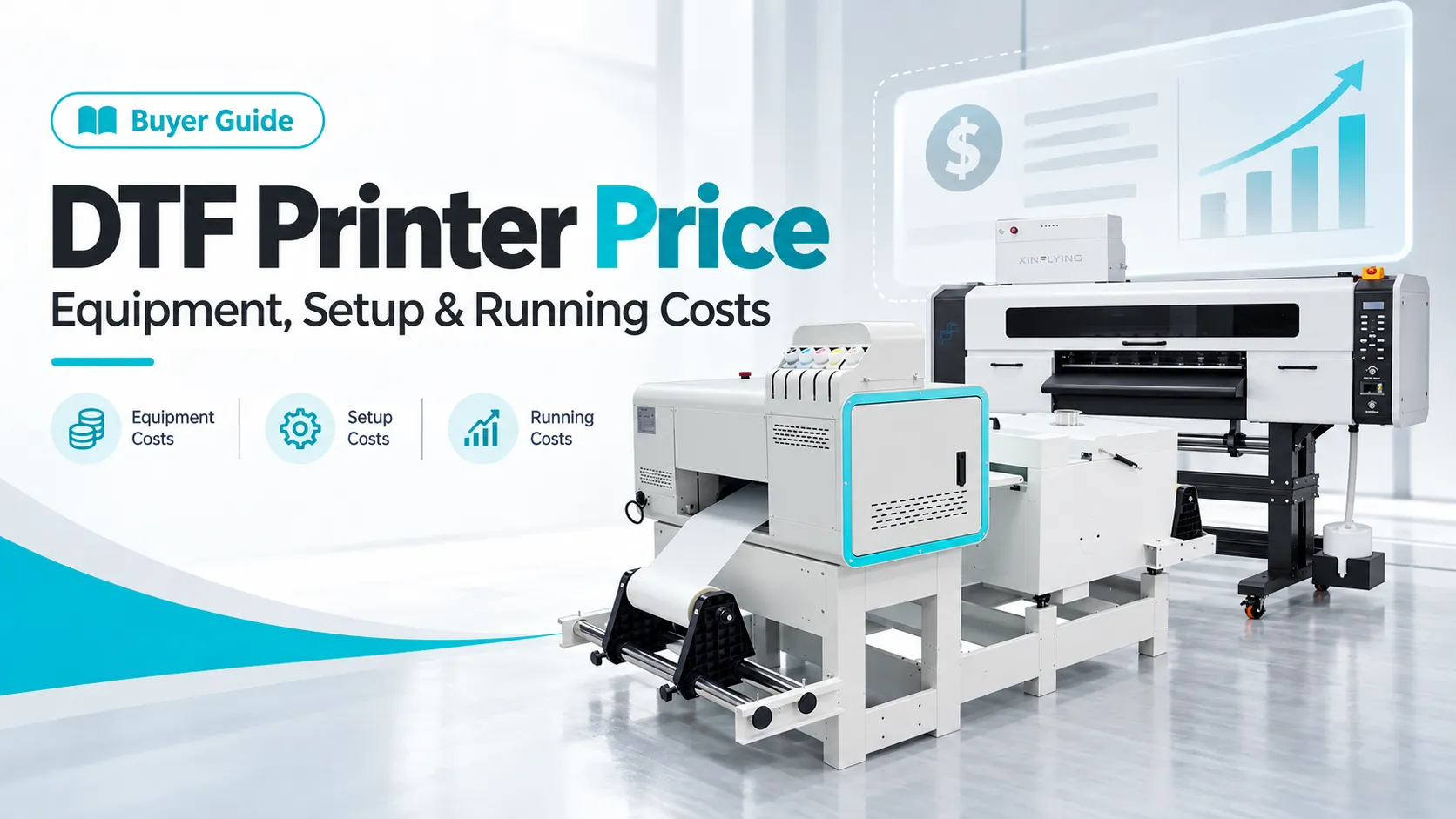
Buying the printer doesn’t finish the job. A low DTF printer price can leave the shop short of curing equipment, software, or cash for the first production run. Budget for a complete order, from the artwork file to a transfer or garment ready to sell.
That starts with three numbers: the equipment price, the cash needed to begin, and the cost of usable output. Keep them separate, and a cheaper quote becomes much easier to judge.
How Much Does a DTF Printer Cost?
DTF printer prices depend on the model, print width, printhead configuration, finishing equipment, and purchase scope. The references below start with three Xinflying models, followed by three other brands, so the equipment budget has concrete figures to work from.
| Printer and offer | Published USD reference | Equipment or package scope |
|---|---|---|
| Xinflying XF-A2 | $9,099 per set; minimum order 1 set | XF-A2 printer and matching separate 42 cm powder shaker/dryer pictured; supplied items follow the itemized quote |
| Xinflying XF-702E | $1,999–$4,699 per piece; unselected catalog range | Listing in the XF-702E + A650 category; the catalog does not itemize what each price option includes |
| Xinflying XF-704E | $999–$8,999 per set; unselected catalog range | Listing in the XF-704E + A6502 category; the catalog does not itemize what each price option includes |
| HTVRONT D2 Standard Kit — price source | $2,599.99 advertised promotional price | Printer, ink, film, powder, and cleaning supplies; no oven or heat press in this kit |
| Epson SureColor G6070, All American Print Supply — price source | $13,495.00 displayed printer price | Printer offer; ink and shaker bundles can be quoted separately |
References checked October 8, 2026. The XF-702E and XF-704E catalog ranges are not tied to selected configurations or payment options; their lower limits do not establish a complete printer or bundle price. Promotions and the final purchase scope need to match the selected offer.
Compare the cost of the equipment needed to finish the order. A printer kit without curing equipment leaves another purchase to make, while a shop with a suitable heat press and computer may have fewer items to add. The listed figures give different starting points, so build comparable budgets before choosing.
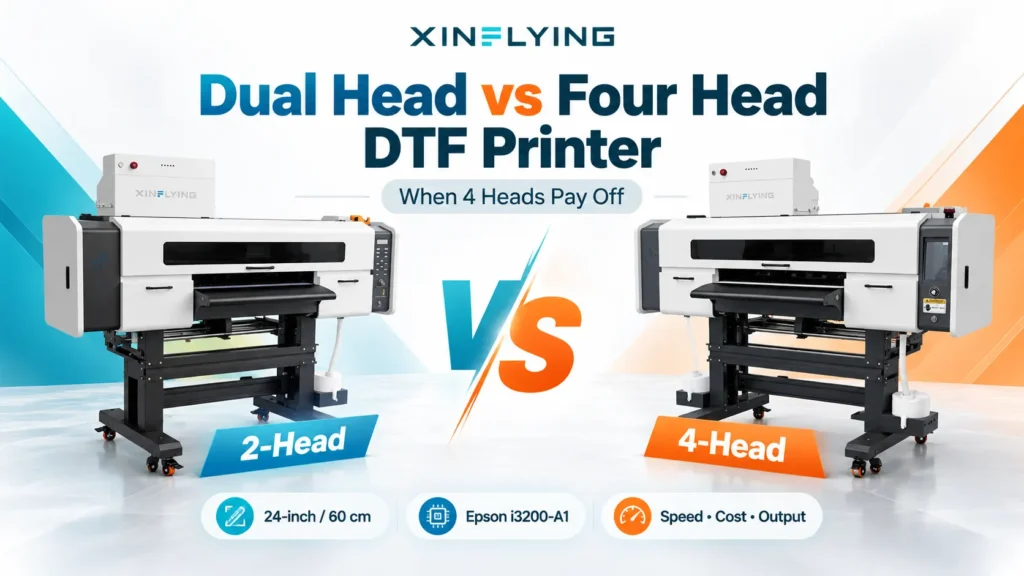
The XF-702E and XF-704E both have a specified 24-inch (60 cm) print width, with two and four Epson i3200-A1 printheads respectively. Width determines artwork fit and nesting options; head configuration needs to be evaluated against usable output and operator work. A larger head count alone doesn’t establish lower production cost.
For Xinflying equipment, an itemized quote sets the configuration, supplied accessories, starting materials, and delivery charges. This guide covers textile DTF for garments and fabric decoration; UV DTF, DTG, and dye sublimation need separate budgets.
Pay for the Work the Shop Actually Needs
Start with regular orders and the recurring jobs that take the most work. Note the largest artwork, batch quantities, deadlines, available operator time, and whether the business sells loose transfers or finished garments. Those details decide which equipment is worth paying for.
Print width determines whether artwork fits and how designs can be arranged on film. Powdering and curing automation changes the handling work between printing and finished transfers. However, more width or more printheads doesn’t establish how many acceptable orders will leave the shop.
The XF-A2 has a specified 16.5-inch (42 cm) print width, two Epson i1600-A1 printheads, and CMYK plus white ink. Width matters for artwork layout; white ink provides the base used for printing transfers for dark garments. Judge the configuration with representative artwork, because the specification alone won’t establish job time or material cost.
Its specified RIP is XF SmartPrint, and the printer includes automatic moisturizing. The RIP belongs in the file-preparation budget, while automatic moisturizing supports printhead care rather than replacing routine maintenance. The matching separate 42 cm powder shaker/dryer uses infrared carbon-fiber heating and synchronized film take-up, so allow space for both machines and the transfer-handling area.
Buy automation where it removes a real bottleneck. If garment pressing already holds up orders, a faster printer may simply create a larger queue of transfers. Run a representative batch at acceptable quality and record hands-on time and finished quantity before assigning savings to an upgrade; our DTF printer buying guide covers the equipment checks in more detail.
A used or converted printer deserves the same scrutiny. Establish who supports the conversion, which materials it uses, and whether maintenance instructions and parts are available. A lower purchase price helps only if the equipment fits the work and can be kept running.
What Else Belongs in the Purchase Budget?
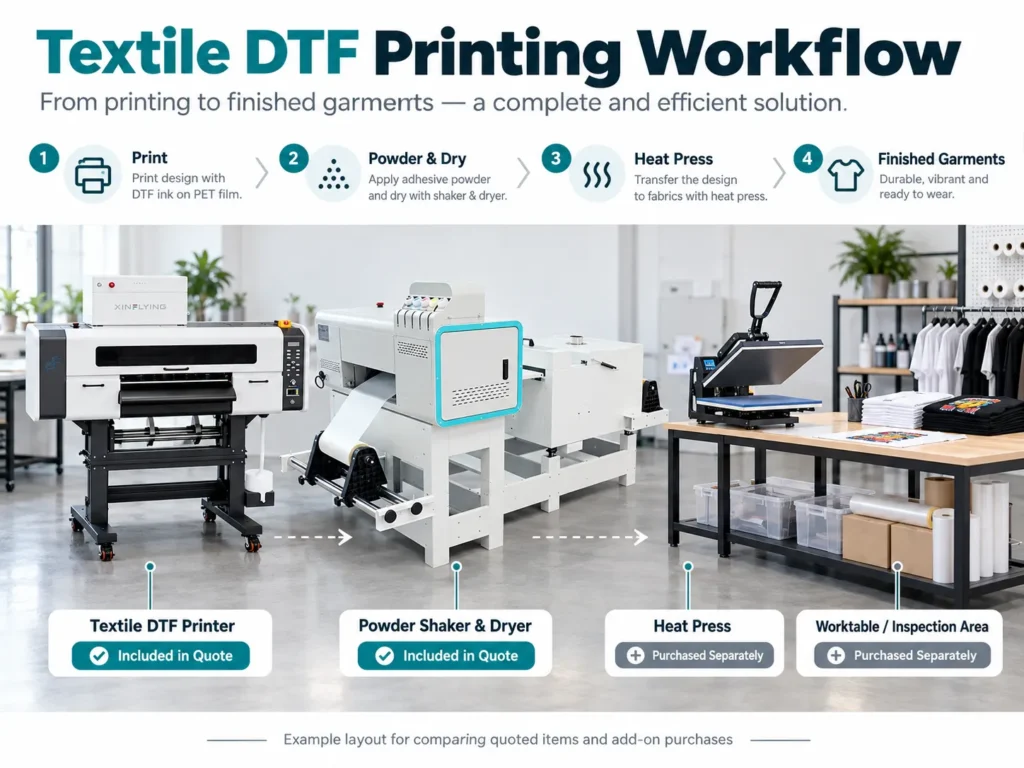
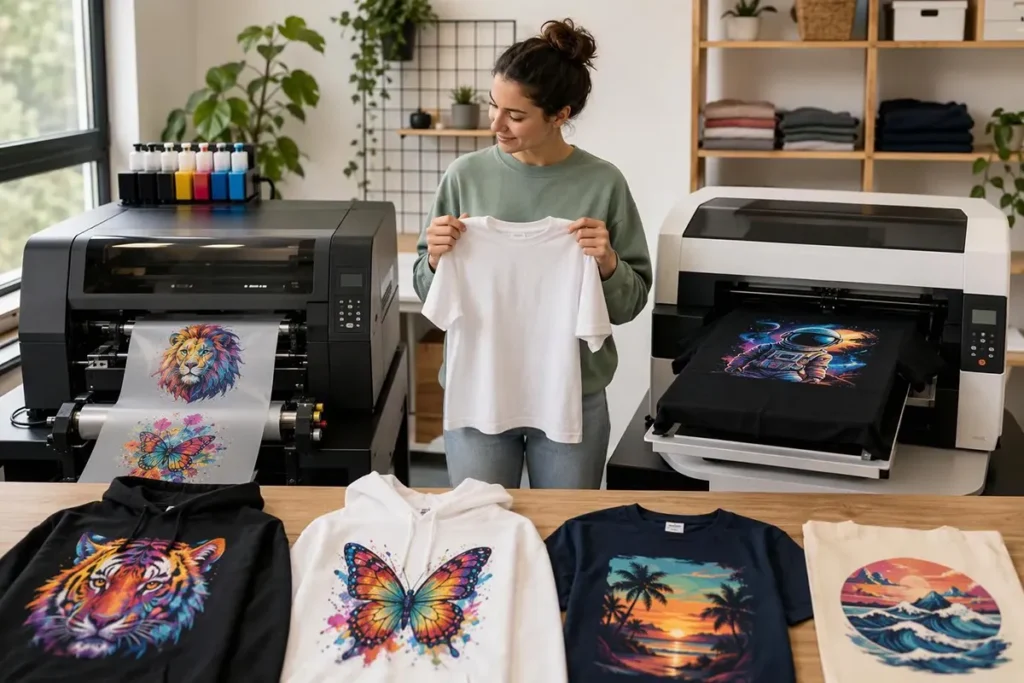
Textile DTF requires printing on compatible film, applying adhesive powder, and curing the transfer. Decorating garments adds heat pressing and finished-garment inspection. A package is complete only when it covers the steps the business intends to perform.
| Item | What the budget needs to cover |
|---|---|
| Printer | Exact model and configuration, with usable width suited to regular artwork |
| Powdering and curing | Compatible film, powder, equipment width, and the chosen manual or automatic process |
| Output handling | Take-up or collection arrangement, checking area, and transfer storage |
| Heat press | Suitable platen size, garment access, and consistent application settings |
| RIP and computer | Software license, supplied profiles, activation, and a compatible computer |
| Workspace | Power, tables, loading and maintenance access, and appropriate exposure controls |
| Starting materials | Named ink, film, powder, and cleaning products, with quantities |
| Delivery and setup | Freight, unloading, installation, and training |
Reuse equipment that meets the job’s requirements. An existing heat press can reduce new spending if its size, condition, and controls suit the transfers. The same applies to a computer that meets the RIP’s requirements; include any needed servicing or upgrades in the budget.
A shop selling loose transfers may not need a new production heat press, but it still needs a way to validate application under the supported process. A garment decorator must also budget for pressing labor and finished-item checks.
Use the selected equipment instructions and the actual materials’ Safety Data Sheets when planning the workspace. OSHA’s hazard communication guidance explains chemical labels, SDS, and worker training. The equipment and materials determine the specific controls needed.
Make Delivery and Support Costs Visible
For a US delivery, separate freight from unloading, moving equipment indoors, taxes, duties, and brokerage where applicable. A liftgate can help unload a shipment without covering the move into the production space. Price the work that remains after the truck arrives.
Software and training need the same clarity. Record license and activation terms, update or extra-workstation charges, and whether training covers file preparation, routine care, and troubleshooting. Remote setup guidance and an onsite installation are different services.
Keep the quote date, expiration, currency, payment schedule, and configuration with the item list. This gives each amount a clear scope and prevents an old promotion from becoming the basis of a new purchase.
Compare Quotes After Adding the Missing Items

Compare the same required equipment and services, not just the first total on the page. A smaller quote can become the more expensive purchase once its missing items are added.
Consider this hypothetical comparison:
- Offer A: $8,000, plus a required $1,600 curing unit and $500 software license.
- Offer B: $9,800, including those two items.
Offer A totals $10,100. Offer B is $300 lower, provided the remaining equipment, delivery, and terms are equivalent. These figures illustrate the method; they aren’t actual product prices.
Give every required item one of four statuses before doing the comparison:
| Status | How to enter it in the budget |
|---|---|
| Included | Record the item and quantity under the package; don’t add its cost again |
| Separately purchased | Add the required purchase and its price |
| Already owned and reusable | Record the existing item and add only necessary repairs or upgrades |
| Unresolved | Leave the charge visibly open until it is priced |
Record the supporting quote or item list alongside each entry. This makes it easier to see whether “starter supplies” means enough stock for the planned work or merely materials for setup.
If a package already includes ink, count only additional stock as a new purchase. Setup tests consume that stock; they don’t automatically create a second invoice. An unresolved charge is not a zero-cost item.
Work Out the Cash Needed Before the First Order
The matched equipment total shows what the purchase includes. The startup cash budget shows whether the shop can get it installed and begin working. For a cash purchase, use:
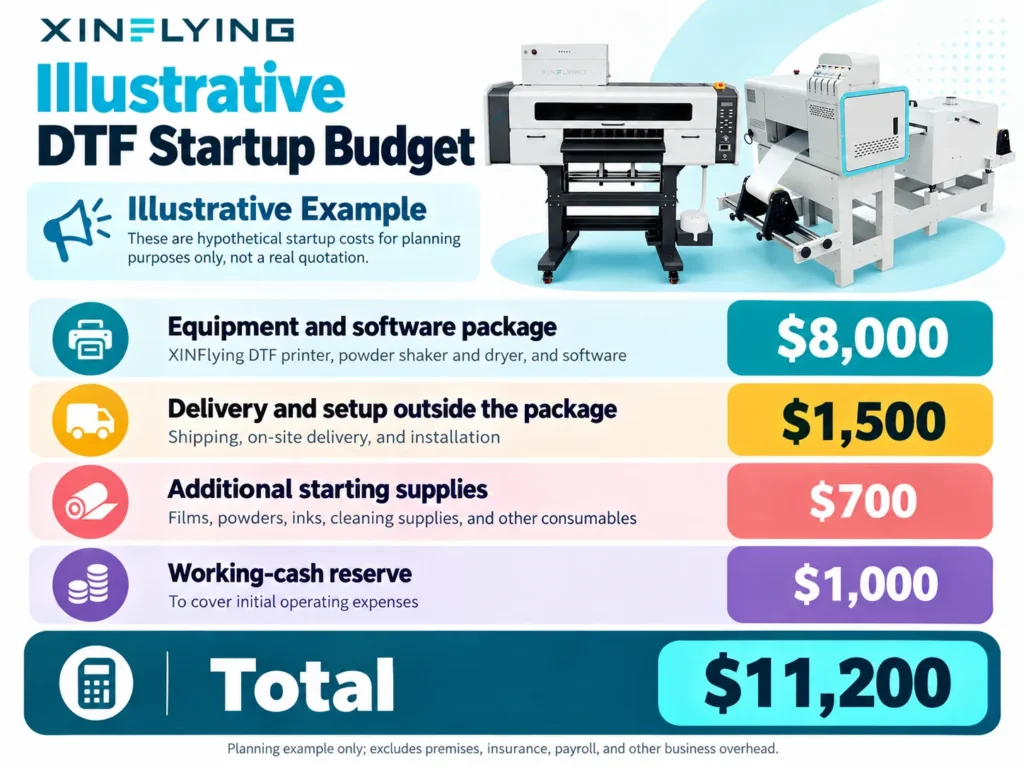
Startup cash = equipment and software + additional delivery and setup + extra starting supplies + working-cash reserve.
| Hypothetical budget | Amount |
|---|---|
| Equipment and software package | $8,000 |
| Delivery and setup outside the package | $1,500 |
| Additional starting supplies | $700 |
| Working-cash reserve | $1,000 |
| Total | $11,200 |
This is a planning example, not a Xinflying quotation. It excludes premises, insurance, general payroll, and other business overhead.
Set the reserve around the gap between paying for production and collecting customer payments. A shop taking deposits may need a different amount from one selling on credit. Keep the reserve separate from the equipment price so it stays available for operating purchases.
With financing, calculate the cash due before production separately from the full purchase obligation. A small down payment reduces the initial cash requirement; it doesn’t reduce the total owed.
Calculate DTF Printer Cost per Usable Transfer
Ink cost alone won’t show whether production pays. Film, powder, cleaning products, labor, energy, rejected transfers, and maintenance all draw on the shop’s budget. Divide production spending by accepted output, not everything the printer produced.
Start with a representative order and use:
Variable cost per accepted transfer = (materials consumed + direct labor + production energy) ÷ accepted transfer quantity.
Include the material and labor spent on rejects and replacements in the numerator. For labor, calculate hands-on minutes × hourly labor cost ÷ 60. Artwork coverage, nesting, setup, and cleaning affect the result, so a cost based only on image area will miss part of the work.
Allocate equipment ownership and planned maintenance separately to reach a fuller cost. For decorated garments, add the blank, pressing labor, and final inspection. Selling loose transfers and selling finished shirts therefore need different cost sheets.
Quiet weeks matter as much as busy ones. Routine care and some material use continue between orders, while fixed equipment costs are spread across fewer transfers. After setup, replace estimates with records of actual consumption, purchases, labor, and accepted quantities.
Keep Warranty and Financing in the Cost Comparison
A warranty can reduce exposure to covered defects, but routine care and excluded parts still need funding. Compare the coverage period, exclusions, diagnostic process, and responsibility for parts freight and repair labor. Remote assistance and onsite service also have different practical costs.
Xinflying’s standard policy provides a 12-month limited warranty from shipment for eligible hardware, unless the written agreement differs. Installed and successfully tested printheads, consumables, and listed wear or maintenance parts are generally excluded. Long-term remote technical support is available; onsite arrangements and specific order coverage follow the written terms.
For financing, add the down payment, scheduled installments, fees, and any final payment. Then identify taxes or other charges outside that total. The monthly payment is a cash-flow figure, not the total DTF printer price.
DTF Printer Price FAQs
An equipment budget of $3,000 still needs room for any required curing, software, supplies, and delivery costs outside the quote. Existing equipment reduces what remains to buy; our 400D versus 702E guide addresses the narrower equipment-selection question.
Curing equipment, RIP licensing, extra supplies, unloading, workspace preparation, installation, and training. Check them against the actual package rather than assuming they are always included or always excluded.
Yes, if its size, condition, and controls meet the transfer’s application requirements consistently. Include any required servicing or accessories before treating reuse as free.
No. Material use, operator work, rejects, maintenance, and order volume determine running costs; compare representative jobs before assigning savings to a model.
The written policy decides coverage. Xinflying’s standard exclusions generally include consumables, printheads after installation and successful testing, and listed wear or maintenance parts.
Equipment, accessories, starting materials, and delivery requirements change the purchase scope. The $9,099 XF-A2 catalog listing is a reference, while an itemized quote identifies what the specific order includes.
Request a Quote Built Around the Orders
Start with the DTF equipment range, then request an itemized quote with the largest artwork, regular and peak batches, garment types, US delivery location, and equipment already owned. State whether the business sells transfers or finished garments.
We can use those details to recommend a configuration and separate included items from additional purchases. The result should be a budget for getting the work done, with enough clarity to compare offers and plan the first orders.