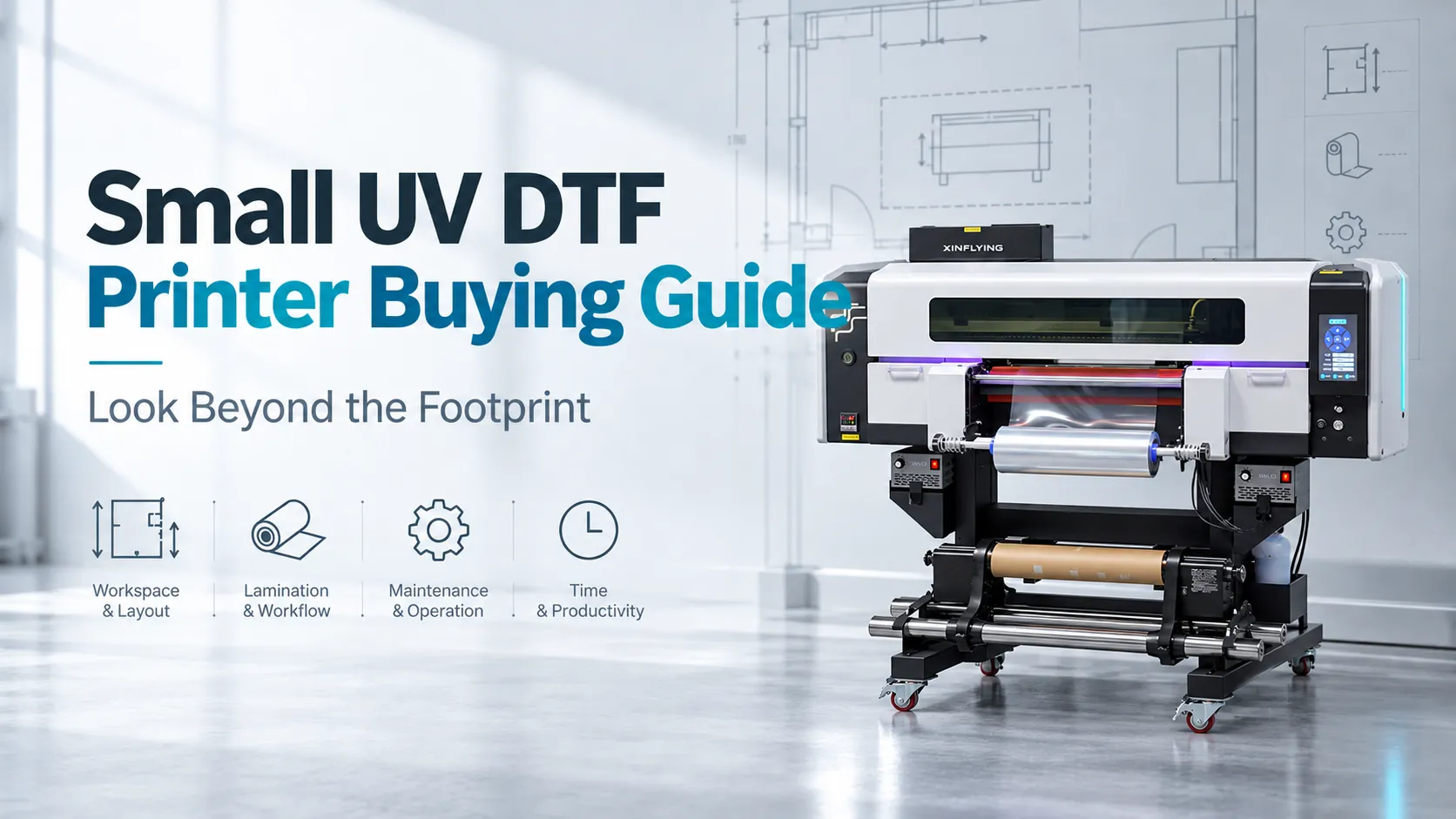
A small UV DTF printer makes sense when its complete workflow fits the room, the orders, and the time available to run it. Cabinet dimensions are only the starting point. Film loading, lamination, maintenance, and finishing can determine whether a compact machine is practical for a small business.
Choose around the work that must be finished, not the smallest machine that fits through the door. A narrow printer can still need substantial floor space, and an impressive speed figure says little about a mixed batch handled between other jobs.
This guide covers conventional UV DTF transfers for compatible hard surfaces. It does not treat textile DTF, UV flatbed printing, and specialized garment-transfer processes as interchangeable.
Define the Order Before Comparing Printers
Start with regular jobs and the difficult ones that recur. Record the largest artwork, typical quantity, target surfaces, deadline, and whether the business sells loose transfers or decorated products.
That last distinction changes the production target. A transfer seller finishes after checking, separating, identifying, and packing the transfers; a gift business also prepares the object, applies the design, removes the carrier, and inspects the finished item.
When choosing a UV DTF printer for small business use, collect three kinds of work:
- A repeat design that represents a normal batch.
- A mixed order with different names, files, or quantities.
- A demanding design with the smallest text, gradients, or fine details actually sold.
These examples reveal different constraints. A repeated layout tests sustained production, while a mixed order exposes file preparation, sorting, and handling that a continuous speed demonstration can hide.
Test on the actual blanks, including their coatings and shape. Inspect small text, white opacity, color-to-white alignment, gradients, and the applied finish; a high DPI figure or a printhead name cannot establish those results.
Check adhesion and the intended handling or washing conditions separately. A transfer that looks good immediately after application does not establish long-term durability.
Our UV DTF process guide explains the transfer sequence. Here, the buying decision starts with how that sequence handles the business’s own orders.
Separate Print Width From Working Space
“Small” may describe print width, cabinet size, or the market a machine targets. It is not a standardized installation category.
A narrow-format printer is not necessarily a desktop printer
For a concrete example, the Xinflying XF-450S-3 has a nominal 12-inch print width, listed by the manufacturer as 30 cm. Its equipment specifications tell a different story about placement:
| Manufacturer specification | Listed value | What it means for a small workspace |
|---|---|---|
| Machine dimensions, L × W × H | 1,300 × 1,000 × 1,450 mm; approximately 51.2 × 39.4 × 57.1 in. | Plan around the complete machine dimensions, not the film width |
| Net weight | 120 kg; approximately 265 lb | Check delivery, handling, and the suitability of the intended location |
| Standard print speed | 2.75 m²/h in 8-pass mode | Compare the stated production mode, then time the complete batch |
| Fastest print speed | 3.5 m²/h in 8-pass mode | Do not substitute a different speed setting for the quality-approved demonstration |
These are manufacturer specifications, not measured customer output. Even the two listed 8-pass rates differ, so pass count alone is not enough to establish identical operating conditions.
The listed base dimensions occupy 1.3 m², or about 14 sq. ft., before service clearance and the rest of the work area. They do not establish a minimum room size.
Draw the workflow around the cabinet
Mark the printer’s outline on a room plan, then add the space occupied by film loading, open covers, operator movement, and maintenance. Use the installation drawing for the quoted configuration.
If lamination uses a separate device, include its loading and unloading space. Keep room for identified supplies, a clean trimming and sorting surface, and finished work waiting for collection.
A compact UV DTF printer is only part of a compact production area. Walk through loading a replacement roll and reaching service points on the plan; those movements often matter more than the unused space beside a closed cabinet.
Check the delivery route separately. Doorways, turns, stairs, and unpacking arrangements need the actual shipping and handling information, not an assumption based on print width.
Check Where Lamination Happens
First confirm the process being quoted. A dedicated UV DTF printer produces transfer film for later application, while a UV flatbed prints directly onto supported objects; a multifunction model may need additional equipment and materials for transfer production.
An integrated laminator can reduce movement between printing and film lamination. A separate laminator creates another workstation and handling step, but it also allows that stage to operate and be serviced separately.
Neither arrangement proves better output by itself. Ask to see the actual film path, loading process, alignment, and recovery from a routine film change.
An anonymized customer account shared with Xinflying illustrates the issue. A small customization business initially favored an inexpensive desktop machine, then reconsidered after comparing the manual handling required between printing and separate lamination. Asking suppliers to demonstrate lamination made the workload clearer than the headline print speed.
The useful lesson is to watch the handoff. Identify who moves the film, where it rests, and what happens when it wrinkles or needs reloading.
Integrated equipment still requires operator skill. Conversely, a separate laminator may be manageable when batches are prepared together and enough workspace is available; the demonstration should establish that for the intended jobs.
Match the Printer to the Available Work Window
A business with scattered production time has a different constraint from one running a dedicated shift. The relevant question is whether a complete batch fits the recurring work window.
Include preparation, startup checks, film handling, required operator attendance, finishing, and the documented end-of-session routine. Automatic machine time and hands-on work are different, but neither should disappear from the schedule.
Ask for two demonstrations
First, run a representative repeat layout at the required quality. Then run a mixed batch that includes the normal file changes and sorting work.
Agree on the finished item being counted and on when timing starts and ends. Record usable results, rework, elapsed time, and operator time separately.
| Demonstration record | Why it matters |
|---|---|
| Artwork dimensions, quantities, and print mode | Makes the comparison relevant to the actual jobs |
| Setup and film-loading time | Shows the work required before steady printing |
| Lamination and material handling | Reveals a separate workstation or manual handoff |
| Accepted output and reprints | Keeps rejected material out of the useful count |
| Sorting, packing, or product application | Matches the timed endpoint to what the business sells |
| Operator involvement and interruptions | Tests whether the batch fits the available staffing |
For a transfer-selling business, one useful comparison is accepted ready-to-pack transfers ÷ complete batch time. For decorated products, extend the endpoint through application and final inspection.
This is a suggested purchasing method, not an industry test standard. Use the same endpoint across suppliers and keep hands-on labor distinct from elapsed time.
Check the shortest normal session
Take the resulting sequence and place it inside the shortest production session the business regularly has available. Include the work needed to leave the printer in its approved idle condition.
A batch that fits only by skipping sorting or end-of-session care does not fit that session. The alternatives may be batching work into longer sessions, assigning another operator, or continuing to outsource some orders.
An order can fit the printer’s width and still fail the business’s schedule. This is especially relevant when equipment shares an operator with sales, design, or other production work.
Confirm What Happens Between Orders
Occasional use does not create one universal maintenance rule. The required routine depends on the printer, ink, operating environment, and length of the idle period.
Get the documented procedure for the breaks the business actually takes: overnight, closed days, and longer absences. Establish which checks the operator performs and which functions the machine carries out automatically.
White-ink circulation and automatic cleaning address particular maintenance tasks. Their presence does not establish that the printer can be switched off, left powered, or left unattended for any chosen duration.
For an advertised idle or vacation feature, establish its documented prerequisites, including power, consumables, waste capacity, and any required checks. Assign responsibility for those checks before relying on the feature.
A supplier demonstration can also cover a normal restart after a supported idle period. Observe the required checks and the route back to acceptable output, rather than evaluating only a machine already prepared for a sales demonstration.
Confirm That the Room Can Support the Equipment
Check electrical ratings for every device in the proposed configuration, including a separate laminator and any required extraction equipment. Familiar plugs and small cabinets do not establish that the available circuit is suitable.
Request the installation and environmental requirements alongside the exact UV ink, varnish, and cleaning-product safety data sheets. Match each document to the product on the quote.
OSHA’s guide to safety data sheets explains where to find handling and storage information in Section 7 and exposure controls and personal protection in Section 8. Use those details with the machine instructions when assessing the proposed room.
A “home studio” label is not a room assessment. Establish the required ventilation, handling, storage, and access arrangements for the actual equipment and materials before committing the location.
Do not replace that check with an odor judgment or a textile DTF powder guide. Conventional UV DTF uses different materials, and a low-odor description does not document a particular room’s suitability.
Compare the Complete Purchase, Then Make the Decision
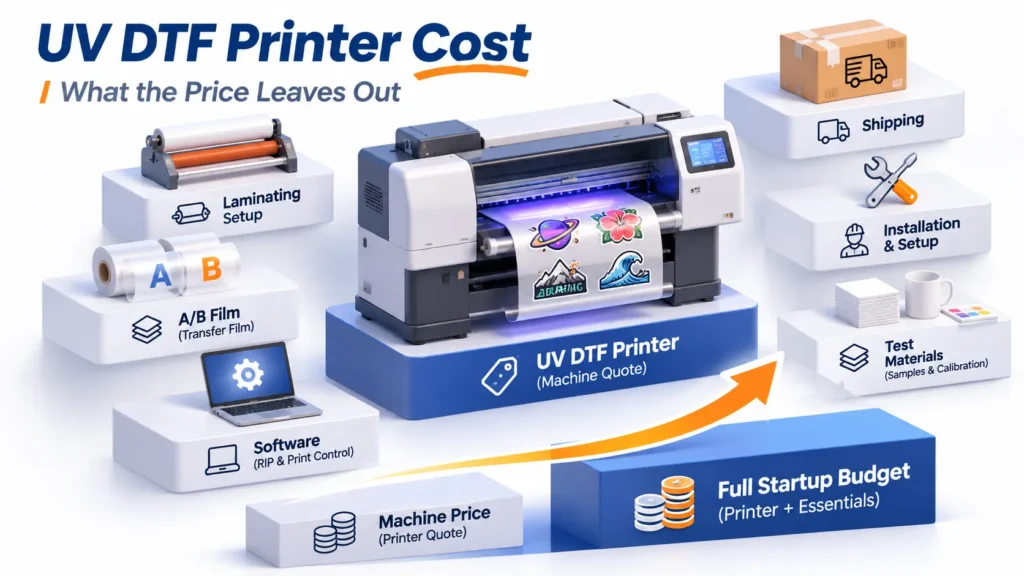
Compare what each quotation delivers, including lamination, RIP licensing, starter films and inks, cleaning supplies, training, freight, and the installation responsibilities. Mark anything already owned separately so the same item is not counted twice.
Include the ongoing work as well as the purchase: maintenance materials, test prints, film changes, rejected transfers, and operator time. Without real operating records, use clearly stated assumptions rather than claiming a guaranteed cost per transfer or payback period.
Ask how support works for the U.S. installation: remote diagnosis, replacement-part supply, applicable charges, and any separately agreed local service. A general warranty label does not establish printhead coverage or an on-site response time.
Xinflying’s warranty and after-sales policy distinguishes eligible hardware coverage from consumables and wear items. Check the written quotation and any product-specific terms for the configuration being purchased.
When a compact printer is a reasonable fit
A small UV DTF printer is worth shortlisting when the actual designs fit, the complete workflow fits the premises, and repeat demand justifies the operating routine. A representative mixed-batch demonstration should also fit the available work sessions.
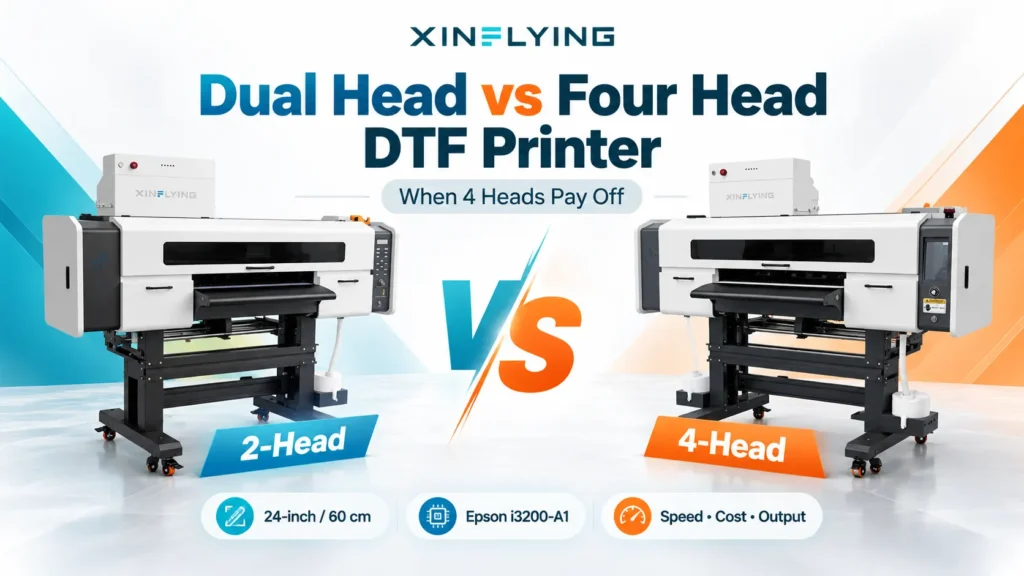
Postpone the purchase when the room cannot support the documented installation, nobody can perform the maintenance, or demand is too uncertain to justify ownership. A wider printer becomes worth comparing when a real layout or timed batch shows a useful improvement; greater width alone is not the reason.
Buy capacity for the orders and time available now, with a clear reason for any extra capacity. That is more useful than choosing the smallest cabinet or the largest advertised output.
FAQ
It may be, provided the actual room can meet the equipment’s installation, electrical, environmental, and material-handling requirements. Check the full working layout and the documented operating routine before treating a spare room as suitable.
Some configurations integrate printing and lamination; others require separate equipment. Confirm both the physical arrangement and what the quotation includes, because “all-in-one” does not list every supplied accessory.
Do not assume a conventional hard-surface UV DTF sticker setup can produce textile DTF transfers. Apparel decoration and specialized raised-transfer effects require their own equipment, materials, and application process.
The result depends on design size, layout, quality mode, usable time, and the handling needed after printing. Time a representative batch and count accepted finished transfers instead of assigning a daily number to every desktop or narrow-format machine.
Compare the value of faster in-house turnaround with ownership, maintenance, and the time needed between orders. If orders remain infrequent and outsourced supply meets the deadlines, outsourcing may be the more practical choice for now.
Bring the Workspace and the Orders Into the Quote
Prepare a room sketch, the largest design, a normal repeat batch, a mixed batch, and the expected printing schedule. Use those same inputs for every supplier discussion.
Contact Xinflying for a configuration recommendation based on those requirements. The next step is a configuration-specific quote and demonstration scope that show whether the equipment fits the work.