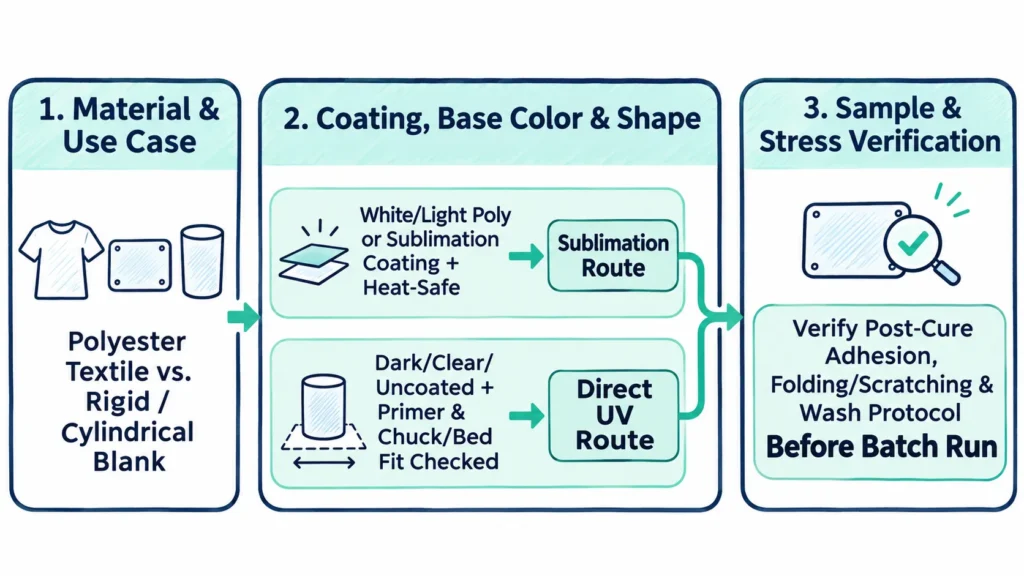
Choosing between uv printing vs sublimation starts with two checks. First, screen your product’s end use and base material. Next, verify surface prep, part shape, and ink adhesion on real samples.
In transfer-paper dye sublimation, heat and pressure turn dried disperse dye into gas. As a result, the dye bonds inside compatible polyester fibers or a polymer coating. That process creates a smooth, zero-feel image on white or light surfaces.
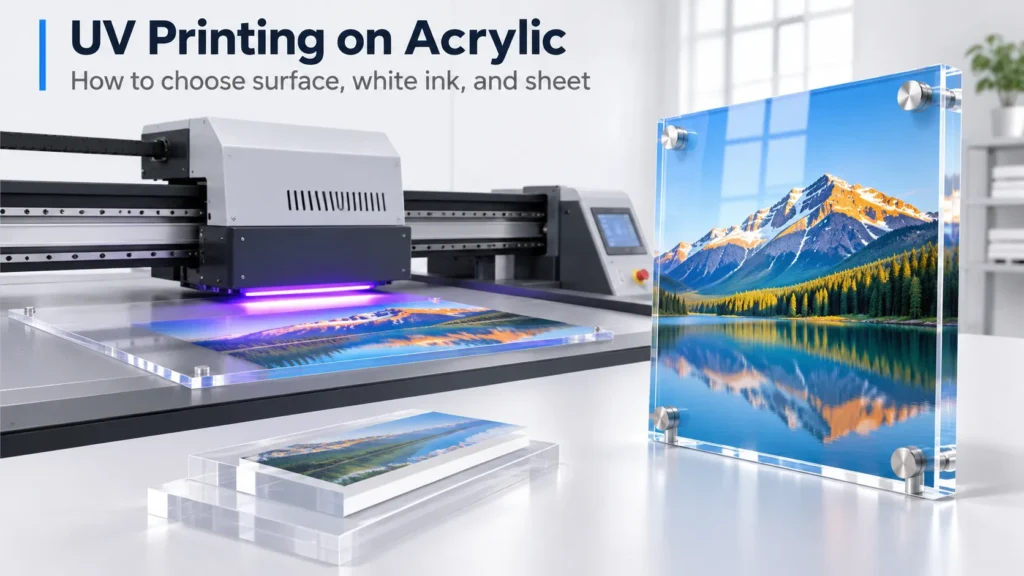
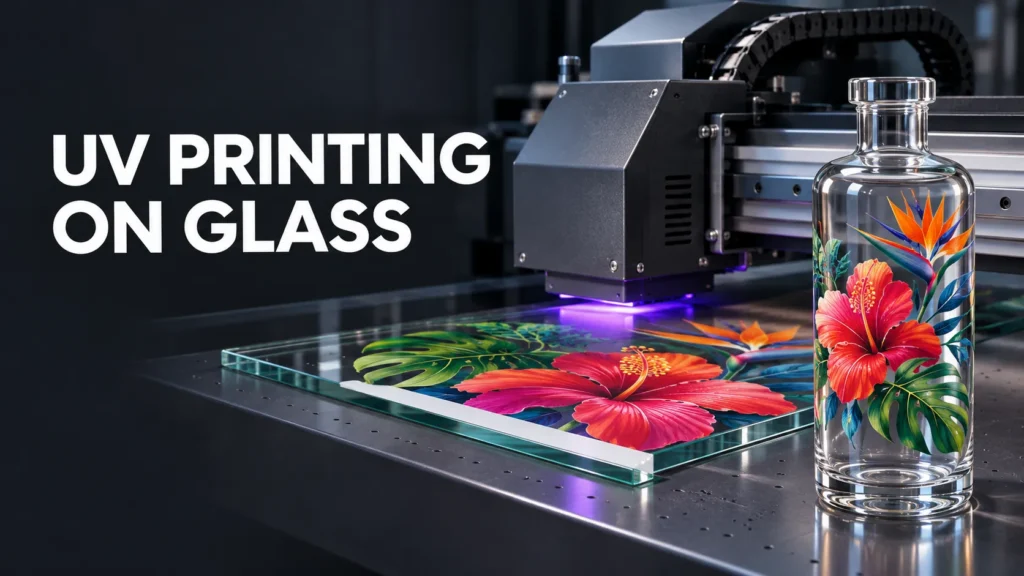
In direct UV printing, printheads jet liquid UV-curable ink straight onto the part. Inline UV-LED lamps cure the ink immediately into a slightly raised top film.
Opaque white UV ink blocks background color on dark, clear, or metallic items. However, direct UV printing still depends on surface prep, part geometry, and post-cure adhesion. Use the four benchmark products below to screen your order, then check the coating and workflow rules that follow.
Quick Selection Matrix: Four Benchmark Products & Verification Conditions
| Benchmark Product | Primary Route | Why It Fits | Conditions to Verify |
|---|---|---|---|
| Light Polyester Apparel & Signage | Dye Sublimation | Dye locks inside polyester fibers with zero feel. Prints fold and wash without cracking. | Use white or light 100% polyester for full color. Sawgrass’s 2014 Sublimation Guide notes 65% poly yields a faded look. |
| White Sublimation-Coated Mugs | Transfer-Paper Sublimation | Factory polymer coating accepts dye smoothly around handled mugs. | Verify even polymer coating and press specs. Mug handles block 360° rotary UV turns. |
| Dark or Bare Stainless Tumblers | Direct Cylindrical UV (or UV DTF) | Sublimation lacks white ink and skips bare steel. UV jets a white base under CMYK. | Use handle-free straight or tapered bodies for rotary UV. Test whether the coating lot needs UV primer. |
| Clear or Colored Acrylic Signage | Direct Flatbed UV | UV-LED curing avoids heat-press warping. It also adds white backing or raised varnish. | Match cleaner and primer to PMMA grade. Plaskolite OPTIX DA skips primer, while extruded sheets may need annealing. |
How Do Process Boundaries, Surface Prep, White Ink, and Finish Separate the Two Routes?
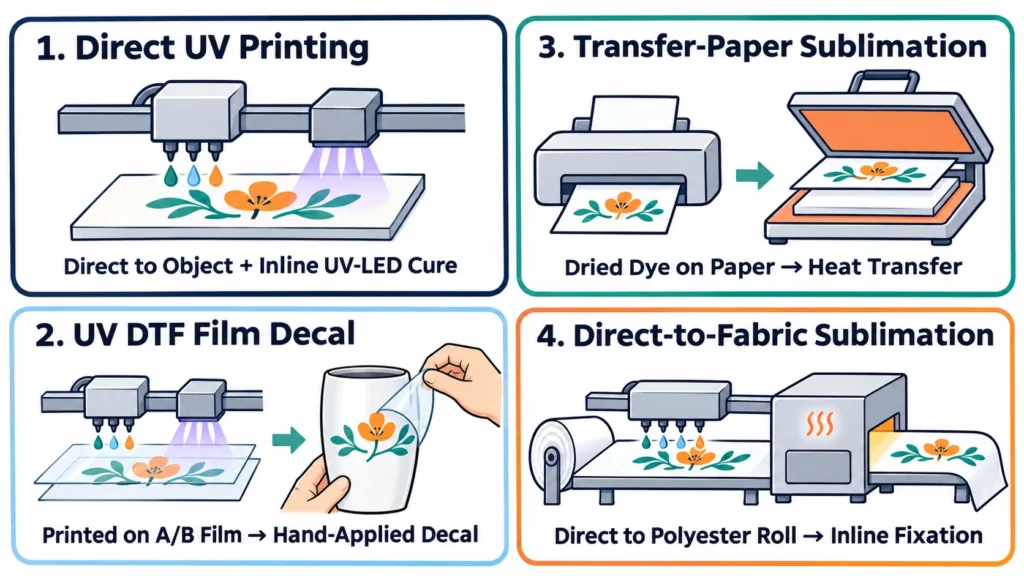
1. Four Workflows, Two Primary Routes
Shops comparing a uv printer vs sublimation printer usually weigh two main workflows. Direct UV printing jets CMYK, White, and Varnish onto flatbeds or rotary cylinders with inline UV-LED curing. In contrast, transfer-paper dye sublimation presses printed paper into polyester fabrics or polymer-coated blanks.
Two related routes rely on different media carriers. First, UV DTF film transfer prints UV ink onto A/B film for hand-applied decals. Second, industrial direct-to-fabric sublimation jets dye straight onto pretreated polyester rolls with inline heat fixation.
2. Coatings, Primers, and White Ink
A sublimation polymer coating does not work like a UV primer. According to Sawgrass’s 2014 Sublimation Guide, hard blanks like ceramic, metal, glass, wood, and acrylic need a polyester coating to absorb dye. Meanwhile, standard plastics often deform under heat pressing, so Sawgrass recommends fiberglass-reinforced plastic instead.
Direct UV printers jet onto many uncoated rigid boards, including wood, PVC, ABS/PC, and Plaskolite OPTIX DA acrylic. However, bare glass, glazed ceramic, and slick metals often require a UV primer for reliable adhesion. Similarly, low-energy plastics like PP, PE, and silicone need corona, flame, or primer prep first.
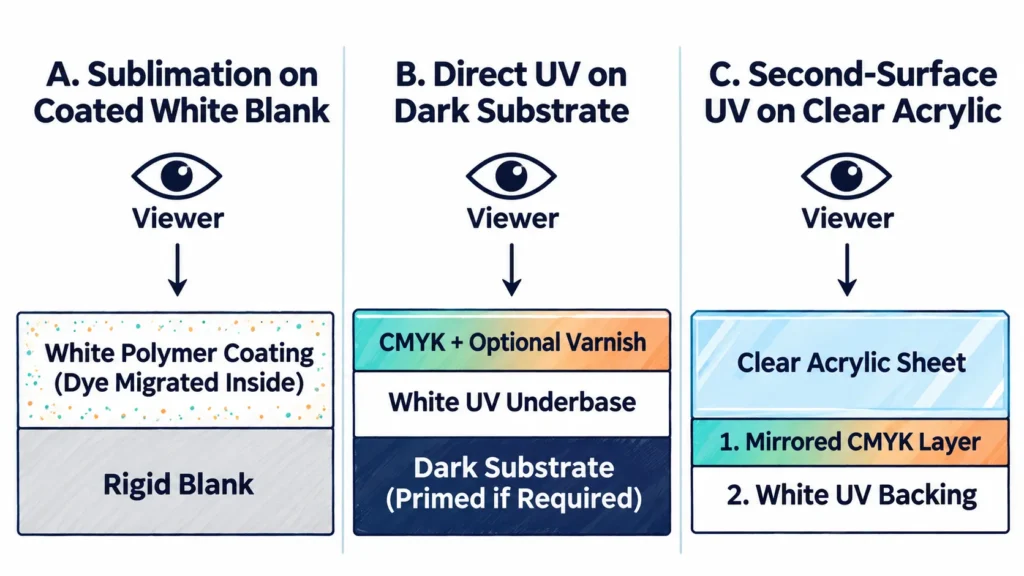
Because sublimation dyes are translucent, no white sublimation ink exists (Sawgrass 2014). Therefore, dark and clear products rely on UV White (W) and Varnish (V) channels.
On dark parts, UV lays a white base under CMYK. On clear acrylic panels, second-surface printing puts mirrored CMYK down first, then adds a white backing layer behind it.
3. Surface Finish and Stress Resistance
Each process leaves a distinct surface feel and reacts differently under daily wear. Match the ink structure to the exact stresses your order faces:
- Hand Feel: Sublimation leaves zero hand feel because the dye sits inside the fiber or coating. In contrast, UV ink forms a slightly raised film that supports matte, gloss, or textured varnish.
- Folding & Edges: UV ink produces crisp text and strong sun resistance on exhibit media. However, tight folding can crack cured UV ink, and ink bridging puzzle seams can chip. Sublimated polyester flags and SEG fabrics fold and wash without cracking, although long outdoor sun exposure gradually fades dyes.
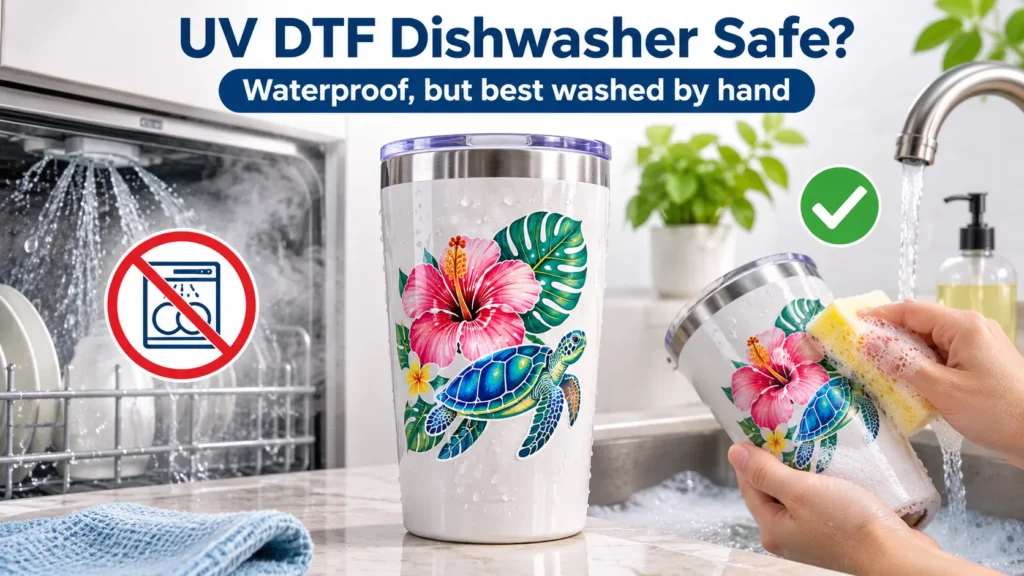
- Wash & Outdoor Qualification: Visual sample prints only confirm basic color and alignment. Always test your specific blank, primer or coating, and ink before promising dishwasher or outdoor life.
How Do Complete Order Steps and Cost per Accepted Piece Compare?
Headline print speed and press seconds never reveal true shop labor. Instead, track one comparable job—such as 50 rigid signage plaques—from unboxing through final scrap. Always measure job economics by total cost per accepted piece.
Comparable Rigid Plaque Order: End-to-End Steps & Cost Factors
| Stage or Cost Factor | Transfer-Paper Sublimation (Paper + Heat Press) | Direct UV Flatbed Printing (Inline UV-LED Cure) | Operational Boundary & Source Note |
|---|---|---|---|
| 1. Blank Prep | Unbox white polymer-coated panels. Peel off clear protective film first (Sawgrass charts). | Unbox uncoated wood, PVC, acrylic, or metal panels. Wipe dust and apply UV primer if needed. | Check Plaskolite grade manuals for annealing or ≤30% IPA wiping on standard acrylic. |
| 2. Positioning | Print mirrored art on transfer paper. Trim sheets, align by hand, and tape to blanks. | Keep art right-reading (or mirror once in RIP for clear backs). Align via bed stops or CCD vision. | Hold-down strips, tacky mats, or fixtures depend on blank shape and flatness. |
| 3. Print or Press | Press at exact blank temp, time, and pressure. Peel paper and cool parts flat. | Jet CMYK, White, and Varnish with inline UV-LED cure. Parts exit dry with zero press dwell. | Sawgrass’s 2019/2023 PDF lists 60 s @ 400°F for Unisub aluminum and ~7 min @ 400°F for cast acrylic (2014). |
| 4. Inspection | Check cooled panels for paper-shift ghosting, tape marks, moisture blowout, or edge fade. | Check registration and cure right off the bed. Schedule adhesion and wash checks per ink specs. | Both Sawgrass 2019/2023 PDF and current Sawgrass Care state values “should serve only as a starting place.” |
| 5. Cost per Accepted Piece | Coated blank + dye ink + paper, tape, and blowout sheets + press labor + press scrap. | Uncoated blank + RIP UV ink (CMYK/W/V ml) + cleaner/primer + daily white-ink upkeep + scrap. | Compare unit cost only when specs, batch size, and pass standards match. |
Comparison Rules and Ink Safety Notes
Compare hourly output or unit costs horizontally only when product specs and quality standards match. For example, cylindrical drinkware speeds shift sharply once you count loading, changeovers, and rejects. Review real cycle-time assumptions in our best UV printer for tumblers guide.
Also clear up a common myth about UV chemistry. UV-LED inks solidify through photo-initiated cross-linking rather than solvent evaporation, so blogs calling them “solvent-based” are inaccurate. Nevertheless, both UV and sublimation workshops need steady ventilation and strict compliance with ink Safety Data Sheets (SDS).
How Do You Match Equipment to Your Orders and Verify Samples Before Buying?
Three Commercial Equipment Lanes
Commercial print shops usually route jobs into three dedicated hardware lanes:
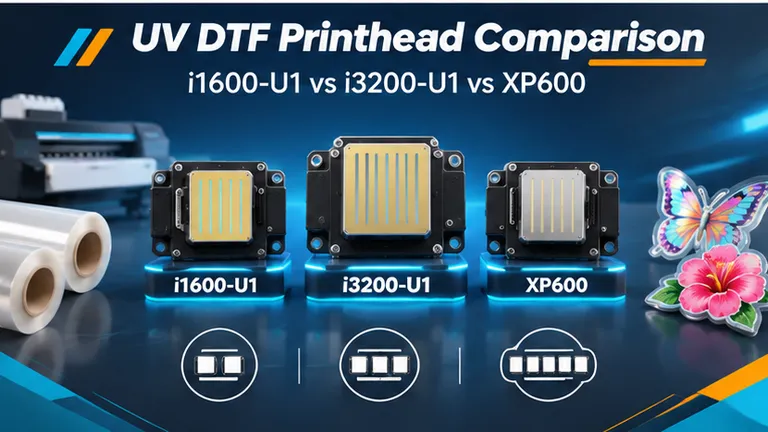
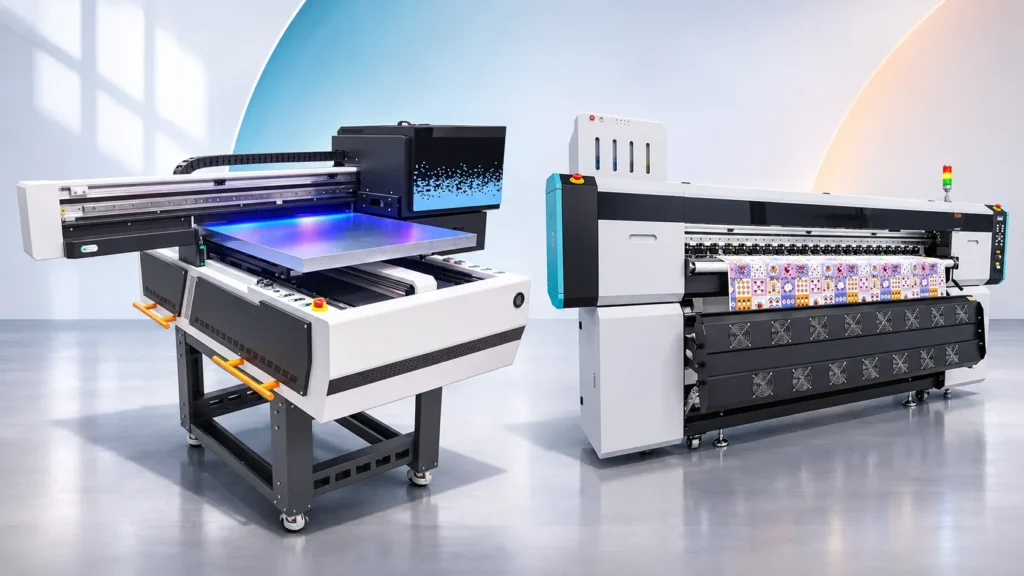
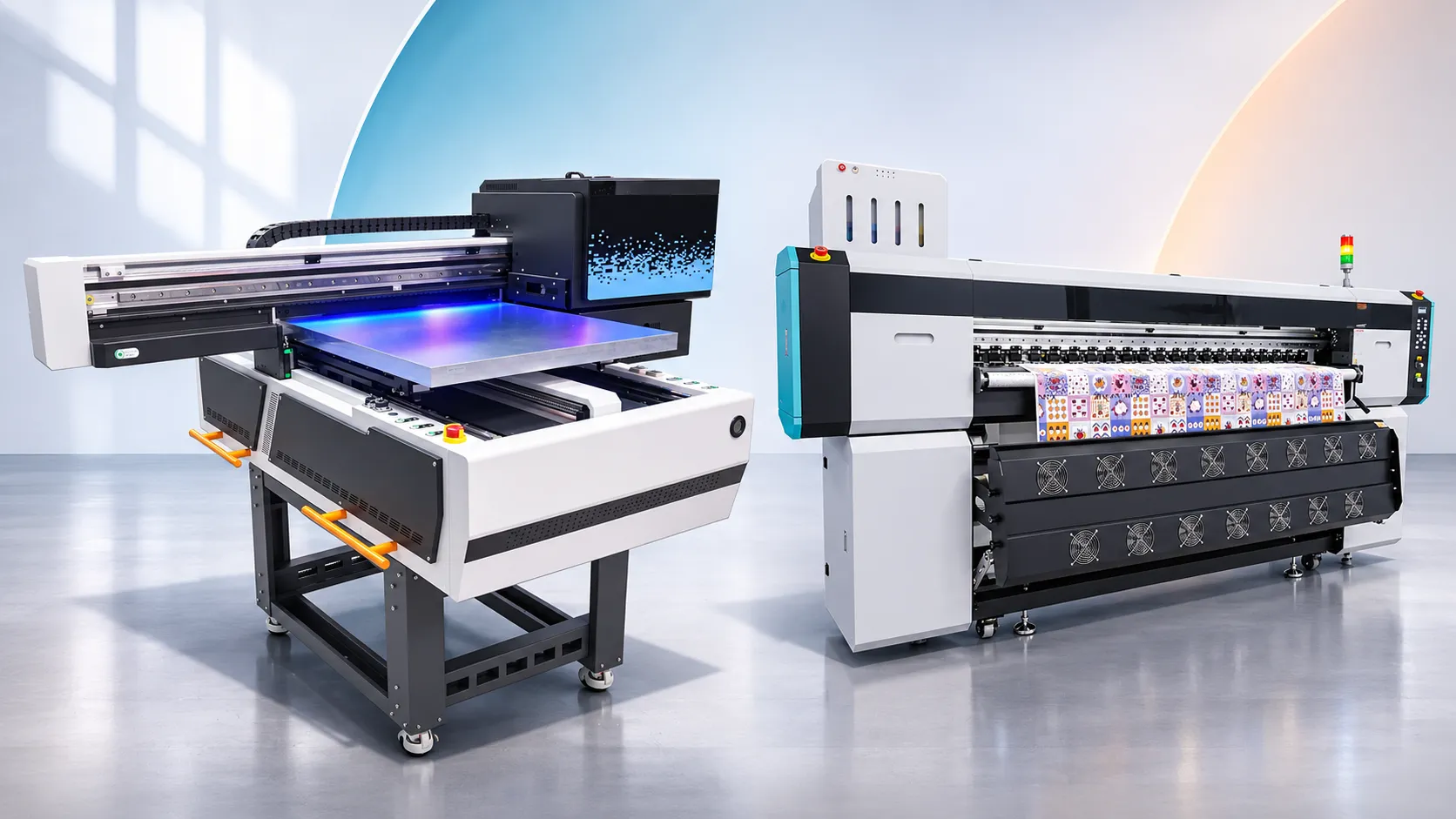
- Flatbed UV for Rigid Signage, Acrylic Awards, and Mixed Parts: The Xinflying XF-Y1218S-5G6 combines a 1,200 × 1,800 mm bed, 5 × Ricoh Gen6 heads (CK + MY + LC + LM + W + V), 100 mm height clearance, and a 2–23 mm high-drop spec. Its CCD visual positioning scans part outlines to speed alignment. However, part shape and flatness still dictate whether you need fixtures, hold-down strips, or tacky mats. For 60 × 90 cm batches, the Xinflying XF-S6090S-4I32U1 uses a 600 × 900 mm air-suction bed, 4 × Epson i3200-U1 heads, and a 0–200 mm customizable print height confirmed by order configuration. Compare full bed specs on our UV flatbed printer series page.
- Cylindrical UV for Handle-Free Tumblers and Tapered Bottles: The Xinflying XF-Z300-3I16U1 prints straight and conical vessels (80–280 mm long, 45–150 mm wide) on a motorized rotary chuck. Its layer order (White, Color, Varnish), print speed, and wrap coverage depend on head setup, print mode, and artwork layout. In Xinflying’s sample log, an XF-Z300 printed straight onto a stainless tumbler sample without extra pre-treatment. However, Xinflying did not confirm the cup’s factory coating, print mode, cycle time, adhesion, or wash results, so test every blank lot first.
- Wide-Format Roll-to-Roll Sublimation for Polyester Apparel and Soft Signage: For transfer-paper textile rolls, browse our Xinflying dye sublimation printers. The lineup spans 1.3 m (XF-H1301X-1I32A1), 1.8 m (XF-H1802X-2I32A1), and 1.95 m (XF-O2000-4I32A1) roll printers paired with transfer paper, disperse inks, and rotary heat presses.
Pre-Purchase Sample & Quote Checklist
Before you buy hardware, run four practical checks on your own blanks:
- Test Real Blanks and Tough Graphics: Print 1–2 pt micro-text, smooth gradients, white underbases over dark zones, and tight edge borders on your actual blank lot.
- Time Complete Cycles and Scrap: Record total minutes from unboxing, film peeling, and loading through printing or pressing, cooling, and setup rejects.
- Separate Immediate Checks from Post-Cure Re-Checks: Verify registration and surface cure immediately off the bed. Then, schedule cross-hatch adhesion, scratch, and wash tests per your ink and primer guides.
- Confirm Written Specs and Warranty: Check printhead model, RIP software, height configuration, and written warranty terms in your quote. Xinflying’s 12-month limited warranty covers eligible core parts per written agreement, while printheads and ink-contact parts count as consumables.
Frequently Asked Questions
First, separate UV DTF decals from direct UV printing. Suppliers like The Stainless Depot note that UV DTF decals stick well to coated sublimation tumblers.
In contrast, you must test direct UV printing on a sample blank with your exact coating, UV ink, and primer. Finally, uncoated UV blanks never accept sublimation dye.
Handled white coated mugs fit transfer-paper sublimation cleanly. For example, Sawgrass’s 2019/2023 PDF lists 150–210 s at 350–400°F, while Sawgrass Care’s chart lists 150–300 s.
In contrast, mug handles block 360° rotary UV rotation, and glazed ceramic often needs special prep for direct UV ink. Therefore, route handle-free bare stainless or dark coated tumblers to rotary UV or UV DTF instead.
No, because sample prints only check visual appearance and neither process guarantees dishwasher or food-contact compliance automatically. Keep artwork below the lip zone and test wash resistance on your exact blank, primer or coating, and ink. Likewise, outdoor sign durability depends on sun exposure, surface prep, ink, and topcoats.
Neither route fits untreated 100% cotton shirts. Specifically, cured UV ink stiffens fabric drape, while sublimation dye bonds only to polyester fibers. Instead, route 100% cotton and dark blends to DTF or DTG—see our DTF vs. sublimation workflow guide.
Route Your Target Products to the Right Printing Configuration
List your top three products with their material, coating status, base color, dimensions, batch volume, and durability targets. Next, send those specs to our engineering team to match a flatbed UV printer (XF-Y1218S-5G6 or XF-S6090S-4I32U1), the cylindrical XF-Z300-3I16U1, or a 1.3–1.95 m roll sublimation printer to your shop floor.