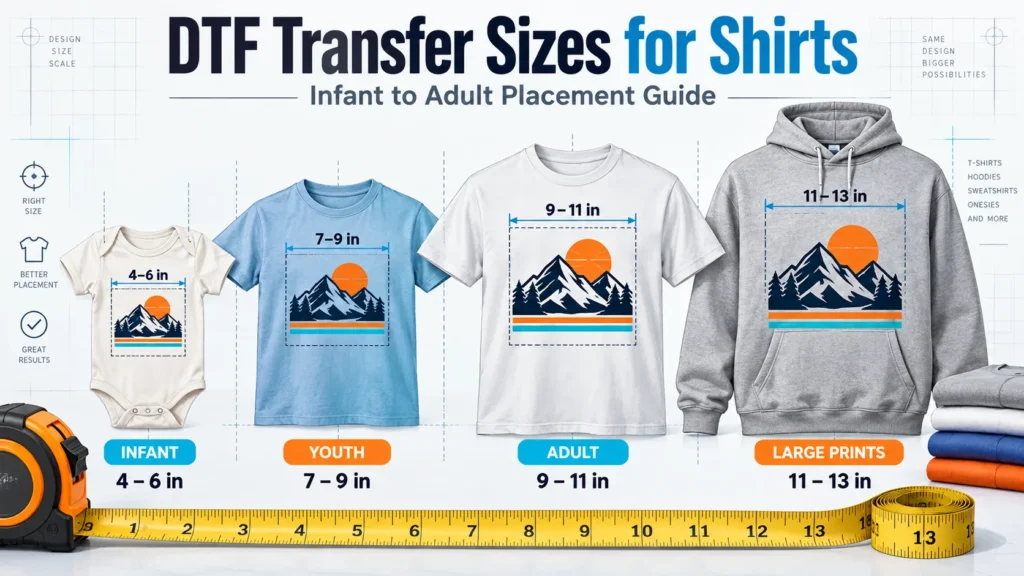
Choose printing equipment by matching the product, material, and order pattern first. Then compare the complete workflow, usable output, maintenance, and ownership cost of the machines that can do that work.
A printer can produce an attractive sample yet create a poor fit for the business. The missing detail may be a heat press, a coating the blank needs, or the operator time spent preparing and finishing each order.
This printing machine buying guide covers digital printing equipment for custom apparel and personalized hard goods: DTF, DTG, dye sublimation, direct UV, and UV DTF. It explains how to move from a product idea to a practical equipment shortlist and a useful quotation.
How to Choose Printing Equipment for the Products You Sell
The material narrows the printing technology before the budget narrows the model. Record the exact blank, fabric composition or surface coating, product color, artwork size, and intended use.
“T-shirt” is too broad: a black cotton hoodie and a light polyester jersey present different requirements. “Mug” also needs detail, because a sublimation-ready coating and an untreated surface are different starting points.

| Product requirement | Processes to evaluate | Important boundary |
|---|---|---|
| Cotton and mixed-fabric apparel with changing, full-color designs | Apparel DTF; DTG where the fabric and workflow suit it | Check heat tolerance, coverage, feel, and finishing on the actual garment |
| Cotton-focused apparel where print feel is a priority | DTG alongside a comparable DTF sample | Include pretreatment where required, curing, and white-ink care |
| Light polyester sportswear or suitable coated gifts | Dye sublimation | Standard dye sublimation needs polyester or a compatible polymer coating |
| Acrylic, boards, phone cases, and other suitable rigid products | Direct UV printing | Check surface adhesion, product height, positioning, and fixtures |
| Suitable hard goods that are awkward to load for direct printing | UV DTF transfers | Check surface compatibility and the work required to laminate and apply each transfer |
Apparel: Compare DTF and DTG on the Garment
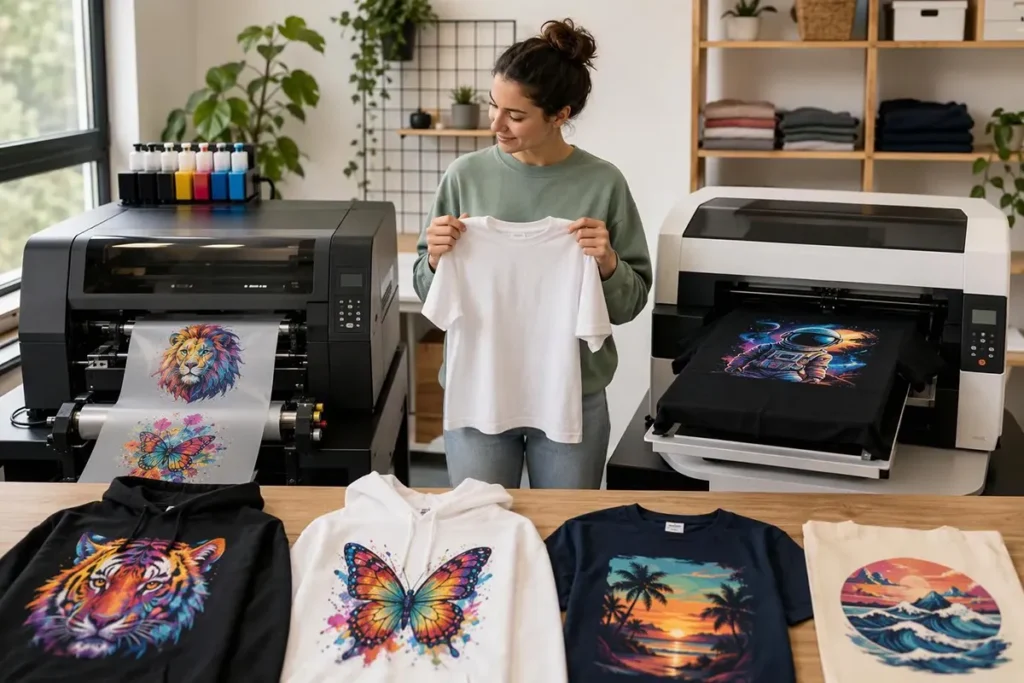
Apparel DTF prints color and white ink onto PET film, followed by adhesive powder, curing, and heat application. It supports varied textile orders, but the fabric, dye, finish, and pressing conditions still need to work together.
DTG places textile ink directly onto the garment. Cotton-focused businesses may value its print feel, while pretreatment and curing become part of the production plan; Epson’s DTG and DTFilm overview illustrates these separate workflows.
Inspect both samples at the intended design coverage. A small chest logo and a large solid front print can feel different even when made with the same process.
Sublimation: Choose the Blank and Heat Equipment Together
Dye sublimation uses heat to transfer dye into polyester or a suitable polymer coating. It is worth evaluating for light polyester apparel and purpose-made coated gifts, with the press or calender matched to the product.
Standard sublimation does not provide a white underbase for a black cotton shirt. Epson’s sublimation guidance also specifies polyester-coated drinkware, so a general “mug printer” claim cannot establish compatibility with an arbitrary mug.
Hard Goods: Separate Direct UV From UV DTF
A UV flatbed printer deposits UV-curable ink directly onto a supported object or sheet. Bed dimensions, printable height, head clearance, and repeatable positioning affect which products can be loaded and printed.
A UV DTF printer produces transfers that are later applied to suitable surfaces. That can help with products that are inconvenient to position directly, but lamination and hand application remain part of the work.
For direct UV printing, test the exact coating and finish rather than assuming that every glass, plastic, or metal behaves alike. Roland’s adhesion guidance explains why the material and ink combination matters; “UV-cured” alone does not establish adhesion or suitability for a particular use.
Match the Workflow to the Orders
Count designs, changeovers, and finishing work alongside the number of products. Two orders for 100 shirts can require very different labor if one repeats a logo and the other contains 100 personalized designs.

Start with regular orders, recurring difficult jobs, and the work the business wants to add. Note how often artwork changes, the deadline, and whether the sale is a loose transfer or a decorated product.
For DTF, include film preparation, powdering, curing, cutting or sorting, garment placement, pressing, and inspection. A faster printer may leave the existing pressing or sorting bottleneck untouched.
For DTG, include garment preparation, loading, printing, curing, and any required pretreatment. For sublimation, include paper handling, positioning, heat transfer, and cooling or handling requirements for the blank.
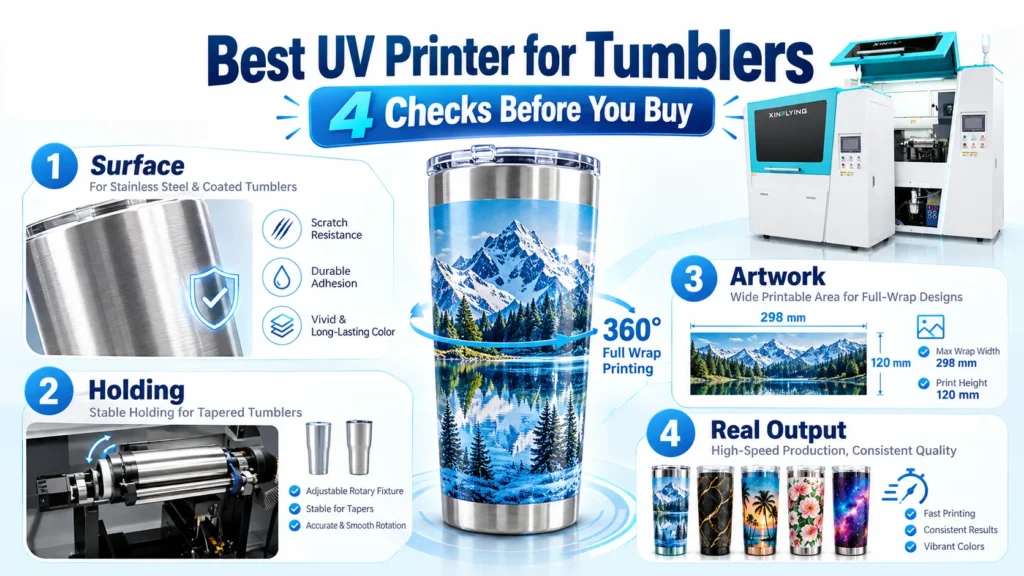
Direct UV adds product loading and fixture changes; UV DTF adds transfer preparation and application. Changing from flat acrylic pieces to tapered drinkware is a production change, even if both products fall under “custom gifts.”
Compare finished, accepted work at a usable print mode. Square meters per hour describes a different stage from completed shirts per hour, and neither figure explains how many operator minutes the order needs.
An Apparel Decorator’s Experience: Why the Equipment Choice Changed
An apparel decorator who previously worked in China and now runs a U.S. POD business shared an experience that illustrates these tradeoffs. His four-person team handles cotton T-shirts and hoodies, with additional bags, hats, and occasional polyester orders.
Early on, he outsourced printing. A delayed event-shirt order exposed how much the business depended on another company’s production schedule, so delivery control became a reason to consider equipment.
He evaluated several processes against the work already coming in. Screen preparation and skilled operation were concerns for his small, multicolor batches, while sublimation did not match the cotton garments that dominated his orders.
DTG appealed to him for its feel on cotton, but the quotations and operating requirements he considered did not fit his budget at the time. His existing cut-vinyl approach also made complex artwork inconvenient to produce.
He chose a compact DTF setup because it covered the dark cotton garments and small quantities he regularly sold. Bringing that work in-house helped him take control of production scheduling, but growing demand later exposed the labor involved in handling and finishing orders.
That led him to change both equipment and business rules. He became more selective about rush work and low-margin orders, and later valued fewer interruptions and steadier production when upgrading.
Today, his approach combines processes: DTF for most of the work, vinyl for suitable simple designs, sublimation for polyester sportswear, and outsourced screen printing for larger repeat runs. He also discusses print feel before accepting artwork with heavy coverage.
The useful lesson is to buy around the orders and review the choice as those orders change. His experience supports that decision process; it does not establish a universal price, production rate, or best technology for every business.
Compare Models Within the Right Process
Compare specifications after the printing route fits the product. The same printhead family or a similar-looking chassis does not establish equivalent media handling, software, ink delivery, or service access.
These XinFlying examples show how a specification connects to a buying decision. The dimensions below are manufacturer specifications, rather than results from a shared performance test.
| Equipment example | Relevant specification | What it means for the job |
|---|---|---|
| XF-A2 DTF printer | 16.5-inch nominal print width; companion powdering and drying equipment is available | Check artwork placement across the film and include the matched finishing equipment in the package |
| XF-DTG-10-2I32HD | 400 × 500 mm print format, about 15.7 × 19.7 inches | Check whether the garment can be loaded with the required design inside the print area |
| XF-H1301X-1I32A1 sublimation printer | 1,300 mm print width, about 51.2 inches; heat-transfer paper media | Match paper width to the transfer layout and the downstream heat equipment |
| XF-S6090S-4I32U1 UV flatbed | 600 × 900 mm print size, about 23.6 × 35.4 inches | Check product layout, usable space around fixtures, and loading access |
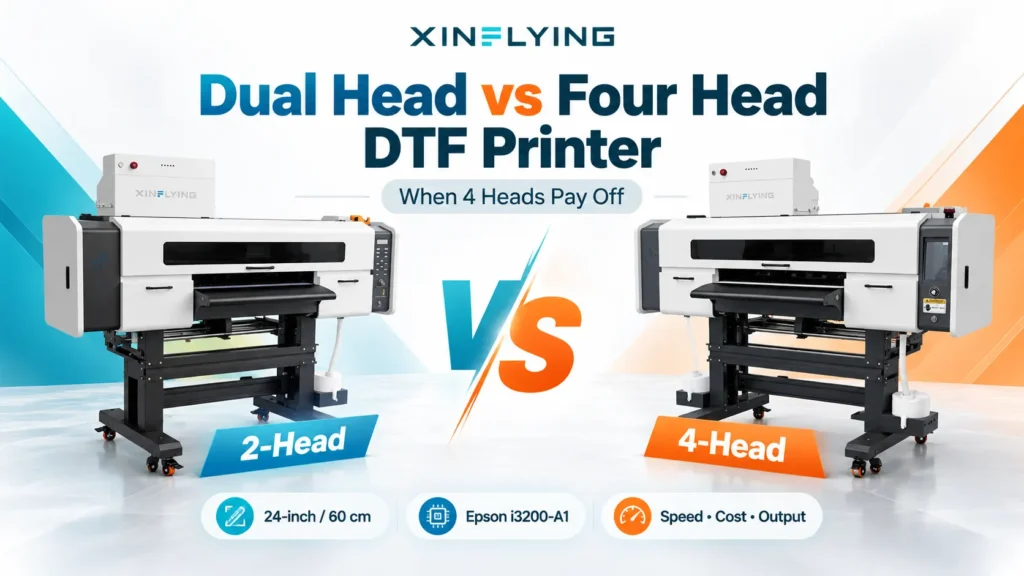
A larger format can accommodate a layout or additional pieces, but it also changes handling and workspace needs. Compare the intended configuration, available options, and finishing capacity rather than choosing solely by bed size, width, or printhead count.
RIP software deserves the same attention. It prepares artwork for the printer and controls relevant output settings; the quoted license, supported computer, color workflow, and any renewal charges belong in the comparison.
Calculate Cost per Sellable Item
Include everything consumed by the batch, then divide by the items that can be sold. Ink applied to a design is only one part of the cost.
A practical calculation is:
Cost per sellable item = (batch materials + hands-on labor + energy + allocated equipment, maintenance, software, and service costs) ÷ accepted items.
Materials include rejected prints and blanks as well as accepted output. Depending on the process, the list can include film or paper, powder, pretreatment, cleaning fluid, primer, and maintenance ink.
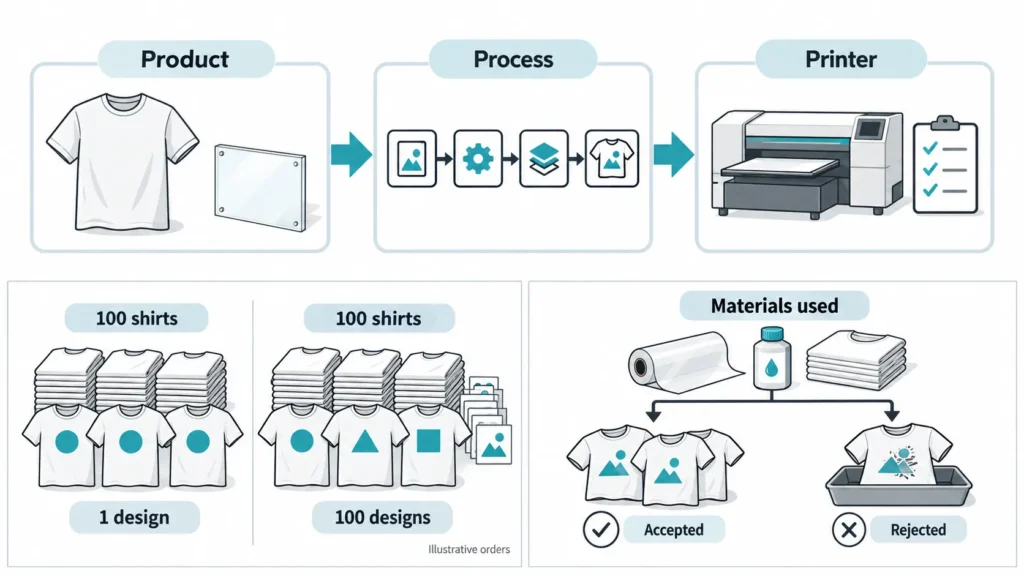
Allocate equipment and maintenance costs over a stated period and expected output. Record applicable financing charges separately, and avoid counting the equipment purchase twice.
Keep two time records. Elapsed production time shows how long the order occupies the schedule; hands-on time across all operators determines labor cost, even where preparation, printing, and finishing overlap.
This exposes comparisons that a headline consumable figure can hide. A DTG estimate covering only ink cannot be compared fairly with a DTF figure that includes film, powder, and labor but leaves other inputs unspecified.
The equipment decision also affects which orders the team can accept. A rush batch that consumes all available staff time may prevent other work from being completed, so review contribution to the business alongside revenue and piece count.
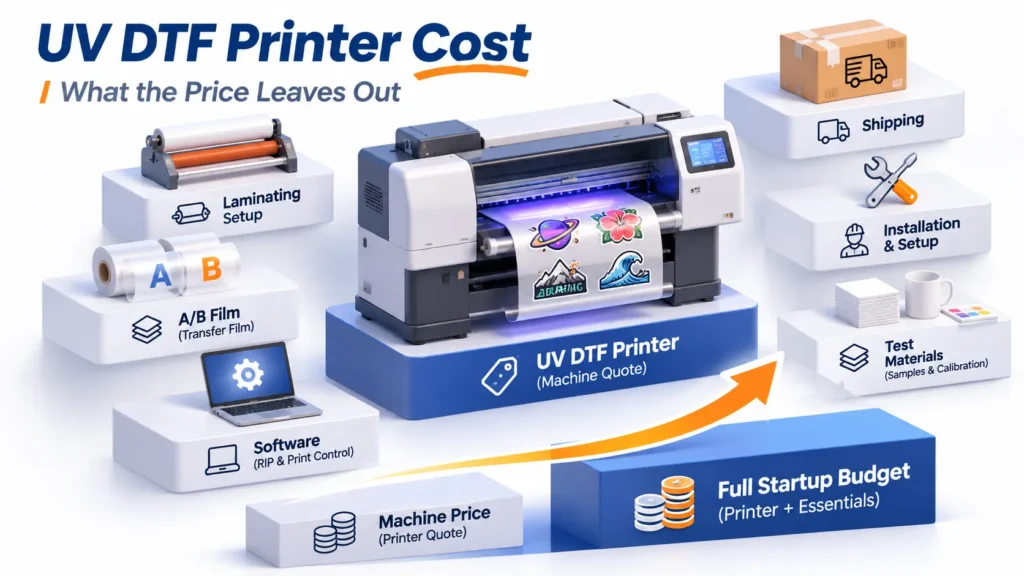
For a purchase, estimate the total cost of ownership at a realistic workload. Use current quotations for the equipment, freight, taxes, site preparation, training, and required accessories alongside ongoing costs; the machine’s purchase price alone cannot establish payback.
Check Whether the Workplace Can Run It
Plan space for the whole production route. Include access through doors, loading areas, media storage, finishing tables, inspection, packaging, and the space needed for service.
A printer’s footprint is only part of that plan. A roll-fed machine needs room for media handling, while a flatbed needs a workable route for loading objects and storing fixtures.
Match electrical supply to the exact equipment and installation requirements. Review the applicable ink, powder, primer, and cleaning-product safety data sheets, along with required ventilation and environmental controls.
Maintenance needs a person and a place in the schedule. White-ink care, cleaning, capping, waste handling, and idle procedures vary by model, so a production plan should account for the gaps between jobs as well as busy shifts.
Service arrangements also affect the choice. Read the XinFlying warranty and after-sales policy with the order terms: consumables, printheads, wear parts, remote support, and on-site work may have different coverage or charges.
Printing Machine Buying Checklist: Samples and the Quote
Bring a normal job and a recurring difficult job to the demonstration. Use the intended material, artwork size, print mode, and finishing steps, with clear acceptance criteria for appearance and use.
Inspect fine text, gradients, solid areas, alignment, and garment feel or surface adhesion as relevant. If the product needs wash or abrasion performance, agree on an appropriate test and its conditions; an attractive freshly printed sample cannot establish long-term durability.
Record preparation, operator handling, interruptions, and rejected output through the finished item. This makes the demonstration useful for comparing workflows, rather than simply proving that a printer can place an image on a sample.
Turn the result into a written equipment package. The quotation should identify the exact model and configuration, included finishing equipment, software license, starting consumables, installation or training scope, delivery basis, and applicable service terms.
When the main order stream supports ownership but occasional work needs a different process, keep an outsourcing route. A specialist supplier can remain useful for repeat bulk jobs, unusual materials, or overflow while the business builds the capabilities it uses most.
Frequently Asked Questions
Start with the products already selling or supported by credible demand. DTF and DTG serve apparel needs, sublimation suits compatible polyester or coated blanks, and direct UV or UV DTF serves suitable hard goods; then assess staffing, finishing, and ongoing care.
Some equipment offers approved hybrid modes or optional modules, but the ink, materials, fixtures, software, and finishing requirements must match each application. A shared chassis or printhead name does not make apparel DTF, sublimation, and UV interchangeable.
Only if the additional usable output benefits the complete workflow. Compare the same artwork, material, quality setting, staffing, and finishing conditions; extra printing speed may have little value when pressing, application, or inspection limits the order.
It can suit irregular demand, specialist processes, and work that would require equipment or skills the team rarely uses. Compare supplier cost and lead time with the full in-house workload, and consider combining outsourced and owned production.
Build the Shortlist From the Work
Start with a product and order brief: material, product color, artwork dimensions, typical batch, design changes, deadline, staffing, and available space. Use it to compare compatible processes, complete equipment packages, samples, and recurring costs.
Send that brief to XinFlying for a configuration recommendation and a tailored quotation.