Choosing in a dual head vs four head DTF printer comparison comes down to where orders wait in your shop. When operators spend most of the shift preparing files, cutting film, sorting sizes, and pressing shirts, a two-head printer finishes rolls faster than the tables clear them. When pre-nested gang sheets and wholesale orders queue up every afternoon, a four-head (or quad-head) DTF printer compresses active printing hours and protects delivery dates.
Buy a four head DTF printer when the printing hours it releases have a clear job: clearing recurring backlogs, cutting habitual overtime, or fulfilling pre-sold volume—provided your shaker-dryer and heat presses keep pace. When daily output fits inside regular shift hours, a dual head DTF printer keeps upfront capital, floor space, and printhead care lower.
Below, we compare two matched 24-inch Epson i3200-A1 configurations, calculate how batch length and setup time change real time savings, convert weekly film area into printer hours, and examine curing footprint, print quality, maintenance, and total cost of ownership.
Side-by-Side Configuration: What Changes From 2 Heads to 4 Heads
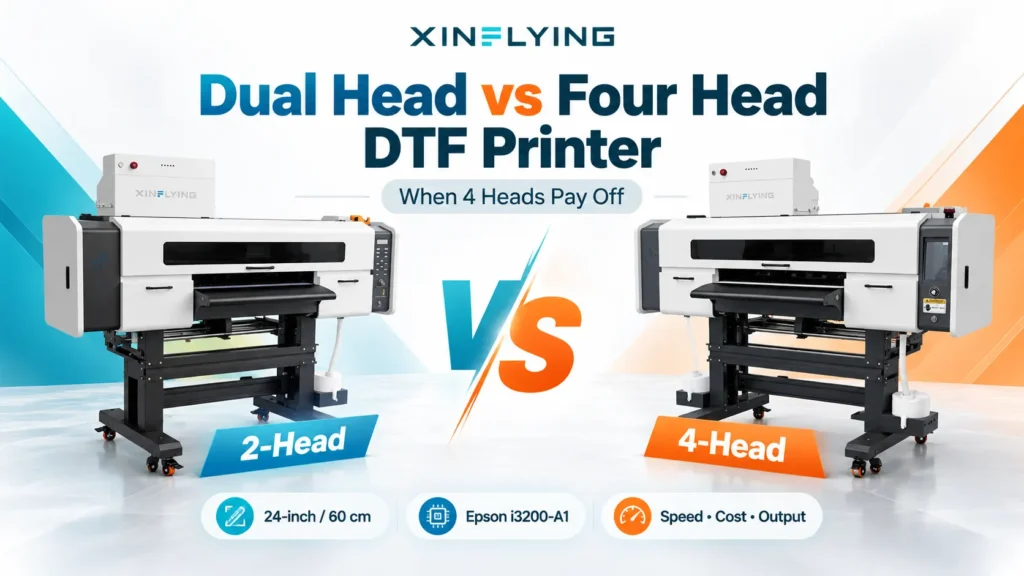
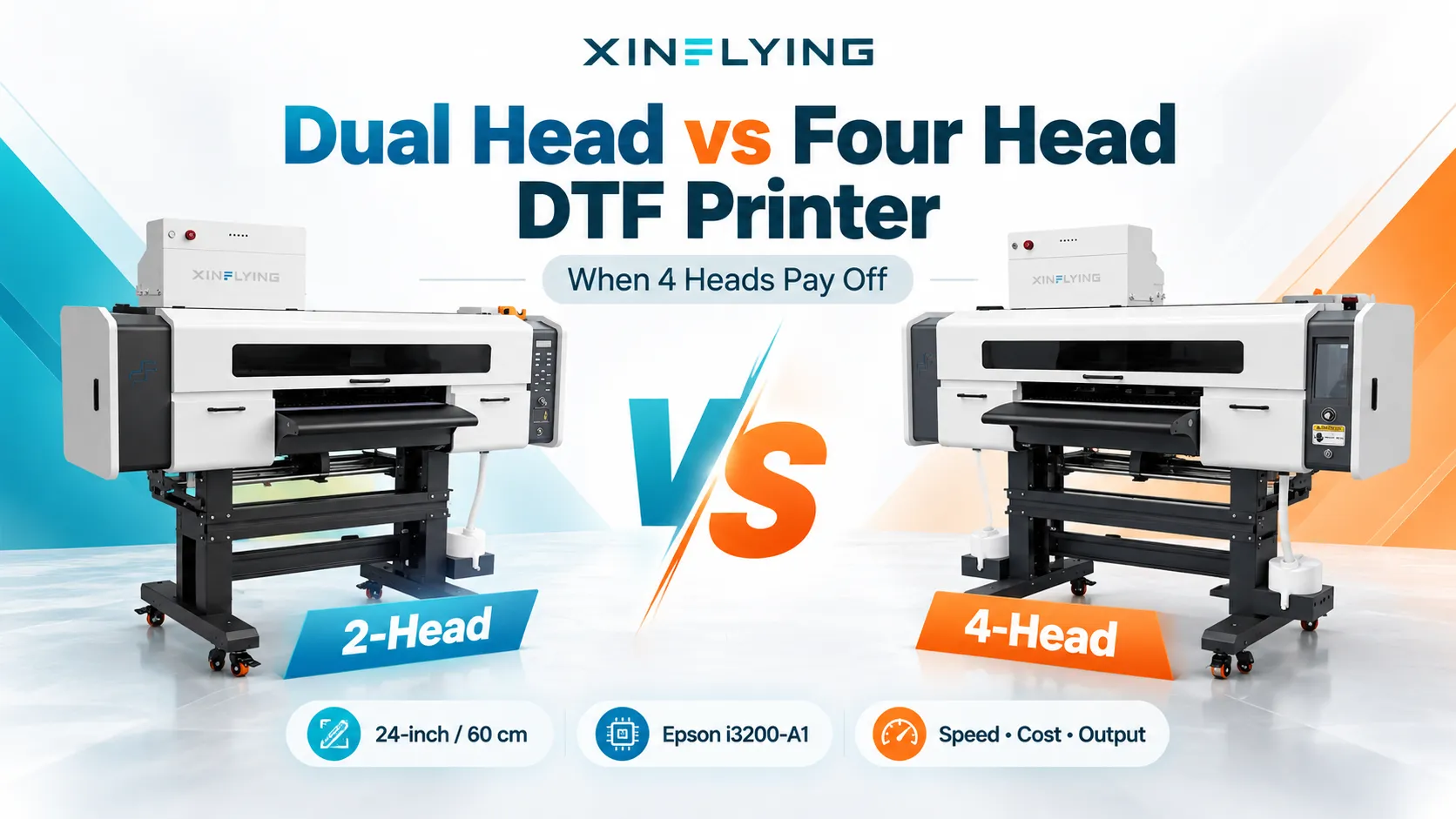
Comparing head counts only works when print width and printhead architecture stay constant. Xinflying’s XF-702E two-head DTF printer and XF-704E four-head DTF printer both use a 24-inch (60 cm) platform with Epson i3200-A1 printheads, isolating what two extra heads change across the line.
| Specification | XF-702E (2-Head) | XF-704E (4-Head) | Operational Meaning |
|---|---|---|---|
| Printheads | 2 × Epson i3200-A1 | 4 × Epson i3200-A1 | Doubles nozzle banks; adds two heads to align and maintain. |
| Ink Layout | CMYK + W | CMYK + CMYK + W + W | Repeats color and white channels for speed; no extra spot colors. |
| Printing Width | 24 in (60 cm) | 24 in (60 cm) | Both use the same 24-inch film rolls and gang-sheet width. |
| Standard Speed | 6-pass: 10 m²/h 8-pass: 8 m²/h 12-pass: 5 m²/h | 4-pass: 27 m²/h 6-pass: 18 m²/h 8-pass: 13 m²/h | Higher rated output at 6-pass and 8-pass; verify usable mode by sample. |
| Fastest Speed | 6-pass: 13 m²/h 8-pass: 10 m²/h 12-pass: 7 m²/h | 4-pass: 38 m²/h 6-pass: 26 m²/h 8-pass: 20 m²/h | Top carriage ratings; check edge sharpness and white opacity first. |
| Printer Power & Size | 0.8 kW (220V/110V) 1700 × 850 × 1350 mm | 1.6 kW (220V/110V) 1740 × 910 × 1610 mm | Printer footprints are nearly identical; the 4-head unit draws more power. |
| Matched Shaker-Dryer | XF-Z650-2 1750 × 1000 × 1050 mm 4.7 kW (220V/110V) | XF-Z60L4 2760 × 1100 × 1070 mm 6.5 kW (220V, 30A) | The 4-head dryer is 1,010 mm longer and higher wattage to cure faster film. |
All figures above are Xinflying catalog specifications, not independent side-by-side tests. Pass labels like 6-pass or 8-pass describe carriage passes rather than guaranteeing identical visual density across models. Confirm which pass mode delivers acceptable garment results before using its speed rating to plan shift capacity.
Rated Speed vs. Real Batch Time: Why Order Size and Setup Change the Math
A faster carriage cuts active printing time while the roll moves, but it does not shorten file preflight, proof approval, RIP queueing, film loading, or nozzle checks. Because fixed setup tasks repeat on every job, a 2-head vs 4-head DTF printer comparison looks very different on a short order than on a long roll:
| Illustrative Area | Pass Mode | XF-702E | XF-704E | Active Print Time Saved |
|---|---|---|---|---|
| 3 m² (~5 linear m) | Standard 6-pass (10 vs. 18 m²/h) | 18 min | 10 min | 8 min |
| 3 m² (~5 linear m) | Standard 8-pass (8 vs. 13 m²/h) | 22 min 30 sec | 13 min 51 sec | 8 min 39 sec |
| 30 m² (~50 linear m) | Standard 6-pass (10 vs. 18 m²/h) | 3 h 00 min | 1 h 40 min | 1 h 20 min |
| 30 m² (~50 linear m) | Standard 8-pass (8 vs. 13 m²/h) | 3 h 45 min | 2 h 18 min | 1 h 27 min |
These figures are rate-based arithmetic examples, not timed floor tests. They assume continuous printing at the listed standard speeds and exclude setup, cleaning, curing, cutting, and reprints.
Keep two percentages separate: at standard 6-pass, moving from 10 m²/h to 18 m²/h is an 80% increase in rated hourly output, which equals a 44.4% reduction in active printing time for the same area (1 − 10 ÷ 18). At standard 8-pass (8 vs. 13 m²/h), the hourly output gain is 62.5% and active printing time falls by 38.5%.
How Fixed Setup Time Dilutes the Speed Gap
What a shop actually experiences is total job time—fixed setup plus active printing. At standard 6-pass, the faster printer saves 2 minutes 40 seconds per square meter, or a fixed 1 hour 20 minutes on a 30 m² batch. However, as setup, approval, and loading times grow, the share of total order time saved shrinks:
| Job Size & Fixed Setup (Standard 6-Pass) | Total Time on XF-702E | Total Time on XF-704E | Clock Time Saved | Share of Order Time Saved |
|---|---|---|---|---|
| 30 m² batch + 10 min setup | 3 h 10 min | 1 h 50 min | 1 h 20 min | 42.1% |
| 30 m² batch + 30 min setup | 3 h 30 min | 2 h 10 min | 1 h 20 min | 38.1% |
| 30 m² batch + 60 min setup | 4 h 00 min | 2 h 40 min | 1 h 20 min | 33.3% |
| 3 m² short job + 15 min setup | 33 min | 25 min | 8 min | 24.2% |

That is the dilution effect: extra printheads release the same minutes per square meter, while non-printing tasks keep their full share. On a 3 m² short run with 15 minutes of file prep and setup, saving 8 minutes cuts total job time by less than a quarter. On a 30 m² batch of pre-nested rolls, releasing 80 minutes of printing time lets an operator fit another contract roll into the shift, meet a shipping cutoff, or avoid overtime. Our DTF printer for gang sheets guide explains how roll nesting turns carriage speed into shift savings.
Downstream Bottlenecks: Curing Length, Power, and Finishing Labor
A printer is only as productive as the powder shaker, curing oven, and finishing team behind it. When a carriage feeds film faster than the oven melts TPU powder, operators must add pass delays, slow the printer, or risk under-cured transfers that peel after washing.
That constraint explains why the matched shaker-dryers for the XF-702E and XF-704E differ in length and power:
- Curing tunnel length: The XF-702E pairs with the 1,750 mm XF-Z650-2 shaker-dryer, whereas the XF-704E pairs with the 2,760 mm XF-Z60L4. That extra 1,010 mm of length—with a front heat-conduction plate and cold-air cooling—gives faster film enough dwell time to cure powder evenly before rewinding.
- Electrical service: The XF-Z650-2 is rated at 4.7 kW on 220 V or 110 V (21 A / 42 A), while the XF-Z60L4 is rated at 6.5 kW on a 220 V, 30 A circuit. The printers themselves differ by only a few centimeters, but the curing lines differ by more than a meter and nearly two kilowatts—verify room length, ventilation, and 220 V capacity before ordering a four-head line.
- Cutting and pressing labor: Wholesale transfer sellers shipping uncut rolls turn faster film output directly into shipments. Shops that cut, sort, and press shirts in-house must verify that cutting tables and heat presses can absorb the extra transfers per hour; otherwise, extra press capacity is often a cheaper upgrade than extra printheads.

Print Quality, White Ink Opacity, and Color Gamut Myths
Four printheads do not automatically produce sharper fine text, brighter colors, or a denser white base than two printheads. Print quality depends on printhead technology, ink formulation, channel assignment, RIP profiling, pass mode, and alignment—not head count alone.
The XF-702E assigns one Epson i3200-A1 head to CMYK and one to white (CMYK + W), while the XF-704E assigns two heads to CMYK and two to white (CMYK + CMYK + W + W). Because both machines use the same four process colors and white ink, the XF-704E does not expand the color gamut over the XF-702E. Duplicating the CMYK and white channels lets the four-head carriage lay down the same ink layers in fewer passes; buyers seeking a wider gamut must choose a configuration wired for spot channels such as fluorescent or ORGB inks.
When comparing white ink opacity and fine detail, check three factors:
- Speed versus white density: Two white heads (
W + W) help a four-head printer maintain solid white coverage at higher speeds, provided white ink circulation and damper filtration keep titanium dioxide pigment flowing evenly. - Head-to-head registration: Aligning four printheads requires tighter physical and bidirectional calibration than aligning two; if one head drifts out of registration, fine text shows white peeking or soft edges.
- Inspect pressed garments, not wet film: Judge fine lettering, gradients, hand feel, and dark-fabric opacity only after powdering, curing, and heat pressing onto the target garment.
When Two Heads Fit Best vs. When Four Heads Pay Off
Instead of relying on arbitrary daily shirt counts—which ignore whether an order is a left-chest logo or a full-back graphic—convert your order book into weekly printing hours.
Turn Your Order Book into Weekly Printing Hours
Four steps settle whether your current volume needs two heads or four:
- Measure weekly film area: Total the square meters of film that produced accepted transfers across four typical weeks. For gang sheets, count total film area printed rather than finished-shirt area.
- Convert to printer hours at the mode you sell: Divide weekly film area by the rated output for the pass mode your customers accept (for example, standard 6-pass or 8-pass, not top carriage speed).
- Compare against realistic available printer hours: Rated output assumes continuous printing. Compare required printing hours against the hours your machine can realistically run after accounting for daily setup, cleaning, and roll changes.
- Check where the queue forms: If required printing hours sit well below available hours and orders still run late, the bottleneck is in artwork approval, cutting, or heat pressing—not head count.
As an arithmetic example from rated 6-pass speeds (not a measured floor run): a shop printing 260 m² of film per week needs 26 active printing hours on the XF-702E (at 10 m²/h). In a shop with 24 realistic printing hours per week, that shortfall shows up as habitual overtime or late orders, whereas the XF-704E rating (18 m²/h) compresses the same active printing to 14.4 hours. Conversely, a shop printing 120 m² per week needs 12 hours on the two-head machine and never hits the printing ceiling.
When a Dual-Head DTF Printer Is the Better Purchase
A two-head model like the XF-702E is typically the smarter choice under these conditions:
- Weekly volume fits inside regular shift hours: Standard 6-pass (10 m²/h) or 8-pass (8 m²/h) output covers regular gang-sheet footage with time left for daily cleaning.
- Orders arrive as short, fragmented jobs: When artwork changes, cutting, sorting, and pressing occupy most of the shift, extra carriage speed waits between tasks.
- Demand is seasonal: Covering a few peak weeks with overtime, a second shift, or temporary outsourcing is cheaper—and healthier for white ink stability—than leaving four printheads idle during slow months.
- Capital is needed downstream: Investing the price difference in a second heat press, fume extraction, operator training, or garment stock often moves more orders than extra printheads.
When a Four-Head DTF Printer Justifies the Investment
Stepping up to a high-volume DTF printer like the four-head XF-704E makes sense when active printing time is the verified constraint:
- Printing consumes the full shift or forces recurring overtime: When pre-nested gang rolls run all day in at least three out of four weeks and orders still carry over, higher 6-pass (18 m²/h) or 8-pass (13 m²/h) output relieves the backlog.
- The shop sells wholesale transfers or large contract runs: Long, uninterrupted roll jobs capture the full time savings of a four-head carriage.
- Rush turnaround windows drive revenue: Four heads let shops print large batches inside tight shipping cutoffs without dropping to a lower-density draft mode—provided the added demand already exists or is credibly contracted.
Upgrading Capacity: One Four-Head Line or a Second Two-Head Printer?
First, never assume a two-head DTF printer can be field-upgraded to four heads. On most commercial printers, the carriage plate, headboard, mainboard, ink lines, firmware, and RIP license are fixed for a specific head count. Unless a supplier confirms in writing that a model ships with a four-head frame and electronics ready for field expansion, adding capacity later requires buying a second two-head printer or replacing the line.
Second, shops that already own a two-head machine should compare one four-head line against two two-head lines:
| Decision Factor | One 4-Head Line (XF-704E + XF-Z60L4) | Two 2-Head Lines (2 × XF-702E + 2 × XF-Z650-2) |
|---|---|---|
| Single-Roll Speed | Finishes one long roll faster on one queue. | Cannot combine carriages on one roll; files split across queues. |
| Scheduling & Queues | Runs one film width and pass mode in a single sequence. | Runs long wholesale rolls on one unit and rush custom jobs on the other. |
| Downtime Risk | A printer or shaker fault stops the entire queue. | Offers partial continuity; one line prints while the other is serviced. |
| Maintenance Routine | One roll path to load and one station to clean. | Twice the daily white-ink care, two dryers, and two RIP seats. |
| Space & Power | One printer plus one 2,760 mm, 6.5 kW (220V/30A) dryer. | Two complete printer-and-shaker footprints and two power drops. |

Choose one four-head line when uninterrupted gang rolls dominate your schedule and you want a single operator workflow. Consider a second two-head printer when splitting job queues and maintaining partial backup capacity matter more than single-roll speed.
Maintenance, Consumables, and Total Cost of Ownership
Owning a four-head DTF printer does not double the ink or powder used per shirt. For the same design, resolution, and white underbase setting, ink deposited onto the film per accepted transfer stays essentially the same.
What increases with four printheads is the maintenance surface and wear-part count:
- Nozzle checks, purges, and wear parts: Four heads mean four nozzle plates, more dampers, and more capping seals to keep clean; routine cleanings draw ink through four heads instead of two.
- Idle-period care: White ink pigment settles whenever a printer stands idle; follow our DTF printer maintenance checklist and DTF printhead care during downtime guide before any multi-day stop.
- Warranty scope and replacement reserves: Under Xinflying’s standard warranty policy (unless otherwise stated in the quotation or sales contract), eligible equipment includes a 12-month limited hardware warranty from shipment covering manufacturing defects in eligible non-consumable core components such as mainboards, motors, and electrical control parts. Printheads after installation and successful testing, consumables, and wear parts (dampers, caps, wipers, filters, ink tubes) are excluded, so budget a larger replacement reserve for four Epson i3200-A1 heads.
Calculate Whether the Price Difference Pays Back
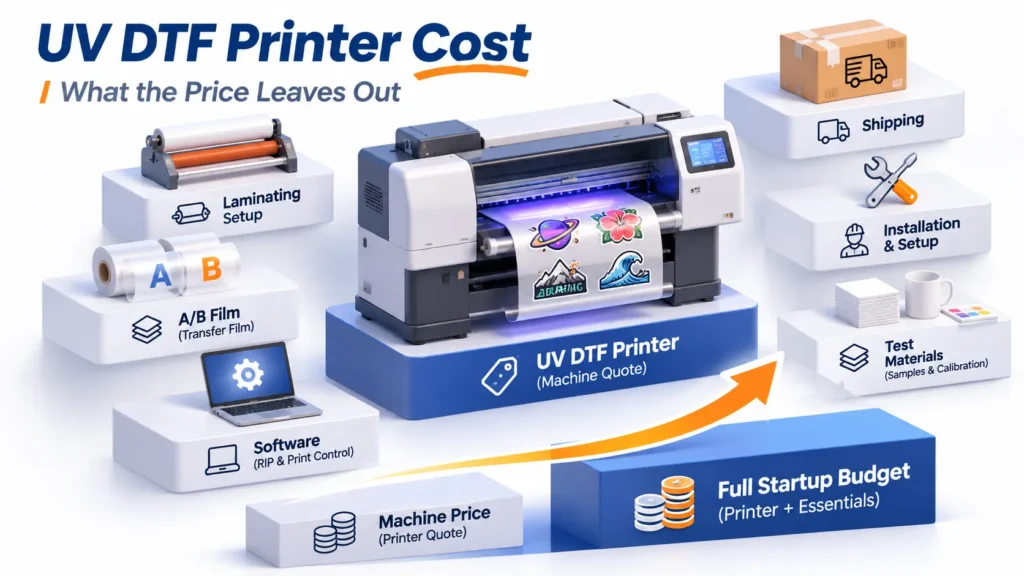
Because Xinflying quotes equipment by configuration and delivery terms rather than a fixed price list, compare two complete written quotes covering the printer, matched shaker-dryer, RIP software, shipping, and support. Evaluate the upfront difference against verified monthly cash flow:
Indicative Payback (Months) = Upfront Price Difference (4-Head Line − 2-Head Line) ÷ (Verified Monthly Gain − Added Monthly Operating Cost)
Include only verified monthly gains in the denominator: net contribution from orders currently turned away, overtime wages saved, or outsourcing fees brought in-house. Subtract extra maintenance ink, power, financing, and wear-part reserves, and never count the same hour twice as both saved overtime and extra sales.
Test Both Configurations on the Same Production File
Before ordering, ask the supplier to run one of your actual production files on both candidate configurations:
- Use one real gang-sheet file: Include 6–8 pt fine text, gradients, solid fills, and normal white underbase settings on a 24-inch layout.
- Record the exact setup: Log the printer model (XF-702E vs. XF-704E), ink layout, RIP software, pass mode, and paired shaker-dryer model.
- Time total elapsed production: Measure clock time from job start until the cured film winds onto the take-up reel, without double-counting overlapping printing and curing steps.
- Press onto garments before counting yield: Deduct any transfers showing white halos, banding, or incomplete powder melt after heat pressing.
- Compare accepted output per hour and operating inputs: Divide accepted transfers by total elapsed time, and log film, ink, powder, cleaning waste, and operator time for that accepted quantity.
If regular shift hours cover your weekly film area, request a quote on the XF-702E paired with the XF-Z650-2 shaker-dryer; if long batches repeatedly push production into overtime, compare it alongside the XF-704E and XF-Z60L4. Read our DTF printer buying guide or contact our team through the Xinflying DTF printer range with your weekly film area, sample files, and shop space for a matched quote.
Frequently Asked Questions
Not by a universal multiplier. On Xinflying’s 24-inch i3200-A1 models, standard 6-pass ratings move from 10 m²/h on the XF-702E to 18 m²/h on the XF-704E (80% more hourly output, or 44.4% less active printing time for the same area), while standard 8-pass moves from 8 m²/h to 13 m²/h. Non-printing tasks like file setup, film loading, cleaning, and pressing do not shrink with head count.
No—head count and print width are separate specifications. Both the XF-702E and XF-704E are 24-inch (60 cm) printers using the same PET film width; extra heads increase output speed rather than print width.
Four printheads do not automatically increase resolution or color gamut. Configured as CMYK + CMYK + W + W, the XF-704E uses the same process colors and Epson i3200-A1 printheads as the CMYK + W XF-702E; expanded gamut requires extra spot channels such as ORGB or fluorescent inks.
Usually not, unless the exact model is built with a four-head carriage, mainboard, ink system, firmware, and RIP license for field expansion. Most two-head printers have hardware fixed for two printheads, so confirm upgrade capability in writing before buying.
Yes, faster film output requires more curing capacity so TPU powder melts completely before rewinding. While the printer footprints are close (1,700 × 850 × 1,350 mm vs. 1,740 × 910 × 1,610 mm), the matched shaker-dryer grows from the 1,750 mm XF-Z650-2 (4.7 kW) on the two-head line to the 2,760 mm XF-Z60L4 (6.5 kW, 220 V / 30 A) on the four-head line.
Order count alone misleads because a left-chest logo and a full-front graphic consume very different film area. Convert your weekly film area into printing hours at the pass mode you sell, compare that figure against realistic available machine hours, and verify that your shaker-dryer and heat presses can absorb the faster output.