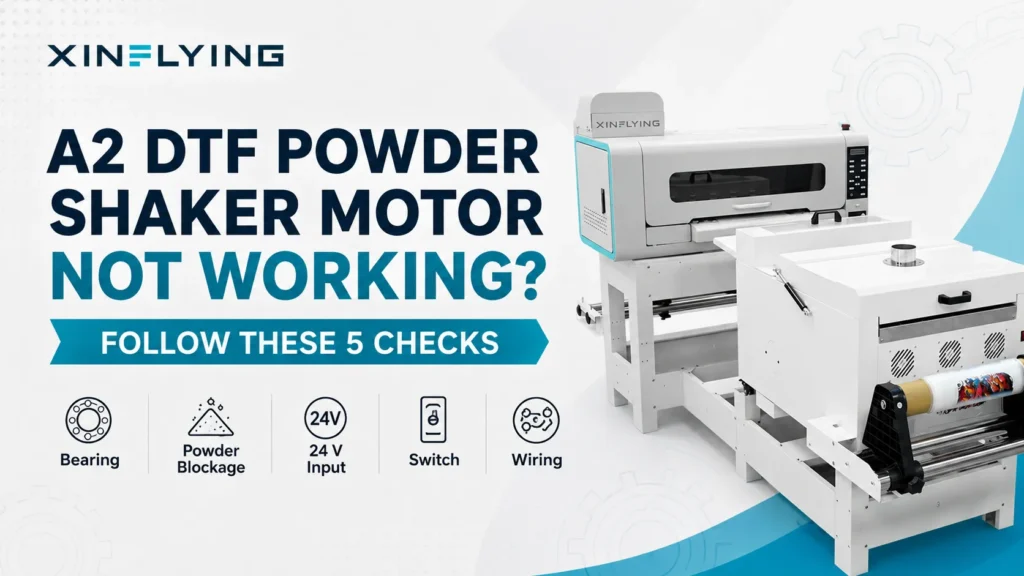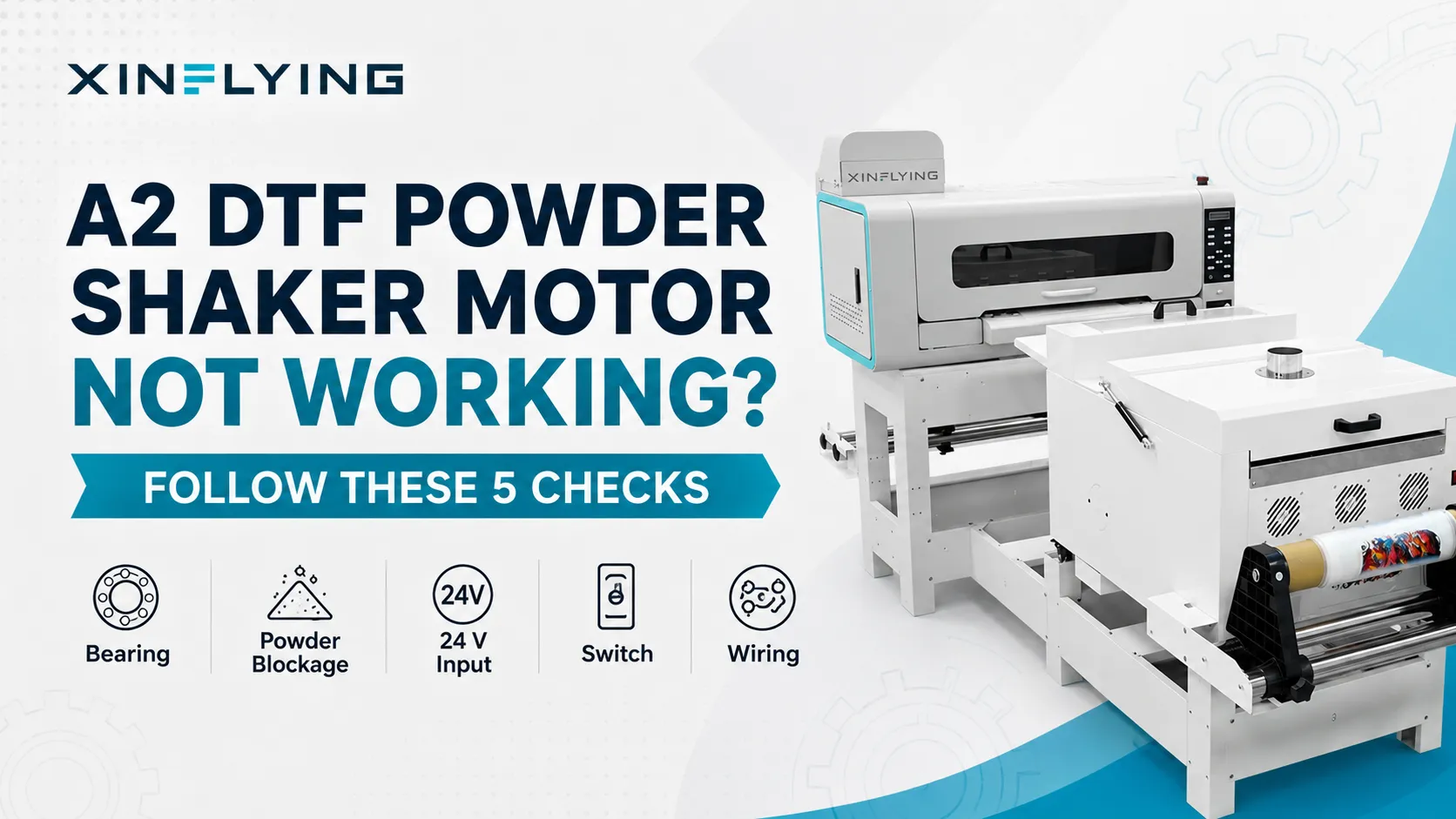
If an A2 DTF powder-dusting or shaking motor will not run, power the unit down and first check for a jammed or damaged bearing, compacted powder, or another mechanical obstruction. If the mechanism turns freely, a qualified technician can verify whether the motor receives its specified DC input. If the correct command voltage is present under approved test conditions but the motor does not move, the motor or its local connection becomes the primary suspect. If voltage is absent, continue with the switch, wiring, controller output, and documented interlocks.
The XINFLYING A2 All-in-One Printer FAQ uses this sequence for both the powder-dusting and powder-shaking functions. Other models may use different motors, voltage, controls, and safety interlocks.
Identify Which Function Has Stopped
The powder system may contain more than one motion function. Confirm whether the fault affects:
- powder delivery or dusting;
- the shaking or vibration mechanism;
- film transport through the shaker; or
- all downstream functions at once.
A motor that hums but does not turn is a different symptom from a motor that is completely silent. Record the sound, movement, display state, and the command that should start the motor.
Safety Around Powder, Motion, and Electricity
Disconnect power using the approved isolation procedure before placing hands near shafts, bearings, chains, rollers, or wiring. Allow heated sections to cool. Keep loose clothing and tools away from moving parts.
Electrical measurements must be performed by a trained technician with the correct meter, test points, and personal protective equipment. Never bypass a guard, fuse, thermal device, sensor, or interlock to force the motor to run.
Follow the safety data sheet (SDS) for the exact hot-melt powder in use. Use only the approved cleanup method, avoid creating airborne dust, and wear the respiratory, eye, and skin protection specified by the SDS. Do not use compressed air or an unapproved vacuum to remove accumulated powder.
1. Check for a Jammed or Damaged Bearing
The A2 FAQ lists the bearing as the first check. Powder residue, a foreign object, misalignment, or bearing damage can prevent movement even when the motor is energized.
After power isolation and according to the maintenance procedure, inspect for:
- compacted powder around the shaft or moving mechanism;
- a bearing that feels rough, seized, or loose;
- a shaft that is visibly misaligned;
- a coupling, chain, or linkage that has moved out of position; and
- a foreign object blocking travel.
Do not use the motor to force a jam free. Correct the mechanical cause before another powered test.
2. Separate Motor Failure From a Supply Failure
The A2 document specifies a 24 V DC input check at the motor. If the correct command voltage is present, the mechanism turns freely, and the motor still does not operate, the motor or its local connection becomes the primary suspect. If voltage is absent, inspect the powder switch, wiring, controller output, and documented interlocks for damage, poor contact, or an incorrect command state.
The 24 V value is A2-specific. Before measuring, a technician must confirm the rated voltage, connector pinout, measurement reference, and command condition for the exact model. If these details are not available in the approved service information, contact XINFLYING support before testing.
| Technician observation | Diagnostic direction |
|---|---|
| Correct command voltage present; mechanism free; motor does not turn | Motor or its local connection is the primary suspect |
| No command voltage at the motor | Trace the switch, wiring, controller output, and documented interlocks |
| Voltage appears but drops sharply under command | Investigate connection resistance, supply capacity, mechanical load, or motor fault |
| Motor turns when unloaded but stalls in operation | Mechanical resistance, coupling, bearing, or load requires inspection |
These observations guide service; they do not replace a wiring diagram or authorize component substitution.
3. Inspect the Powder Control Switch
If the motor receives no input, confirm that the correct function has been enabled and that the switch operates mechanically. With power isolated, inspect the accessible switch and connector for:
- a broken actuator;
- loose mounting;
- a disconnected plug;
- powder or residue inside the control area; and
- a damaged wire near the terminal.
Perform continuity or resistance testing only after the circuit is powered down, isolated, and verified de-energized. Live-voltage testing must be performed separately by a trained technician using the model-specific electrical service procedure.
4. Trace Wiring Without Changing Multiple Connections
Follow the documented harness from the switch or controller to the motor. Look for a pinched section, loose terminal, overheated connector, or cable damaged by vibration.
Label every connection before removal and change only one item at a time. If several wires are moved together, it becomes difficult to determine whether the original problem was a motor, switch, connector, or wiring fault.
5. Check Powder Buildup Before Returning to Service
Even after an electrical repair, accumulated powder can overload the mechanism again. Clean the approved areas and confirm that seals, covers, and dust-control parts are correctly installed.
After reinstalling all required guards, covers, seals, and dust-control parts, run an approved short no-production test followed by a small controlled film test. Observe whether the motor starts reliably, maintains normal motion, and stops when commanded. Shut down immediately if there is grinding, overheating, burning odor, or repeated stalling.
Information to Include in a Support Request
Send the printer or shaker model, serial number, affected function, control-panel state, a short video with sound, and photos of the bearing area, motor label, switch, and accessible wiring. A technician should also report the specified voltage and measured result only when the approved test was performed.
Different XINFLYING DTF printer configurations may use different powder motors, controls, and safety interlocks. If the motor remains inactive, send XINFLYING the model, affected function, motor-label photos, and approved test results before replacing electrical parts.
Sources
- XINFLYING, A2 All-in-One Printer FAQ (bilingual internal technical document supplied for this article)
- XINFLYING DTF Printer Machine
- XINFLYING Support