Home » Support » A2 DTF Printer Technical Support » A2 DTF Printer: Common Issues and Solutions
A2 DTF Printer: Common Issues and Solutions
1. If the nozzle test strip shows in a not good condition after “weak clean” cleaning
Situation 1: The printhead can suck out the ink, but after several cleaning, it still has no improvement


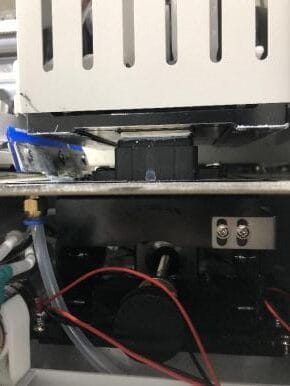
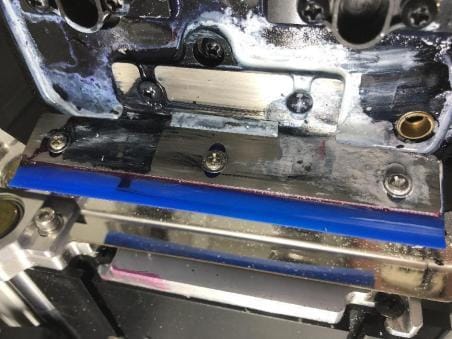
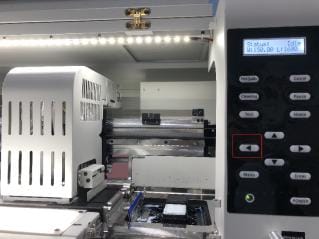

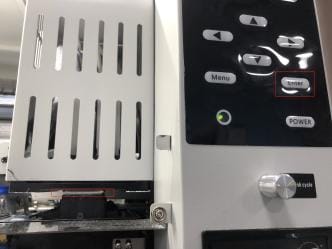
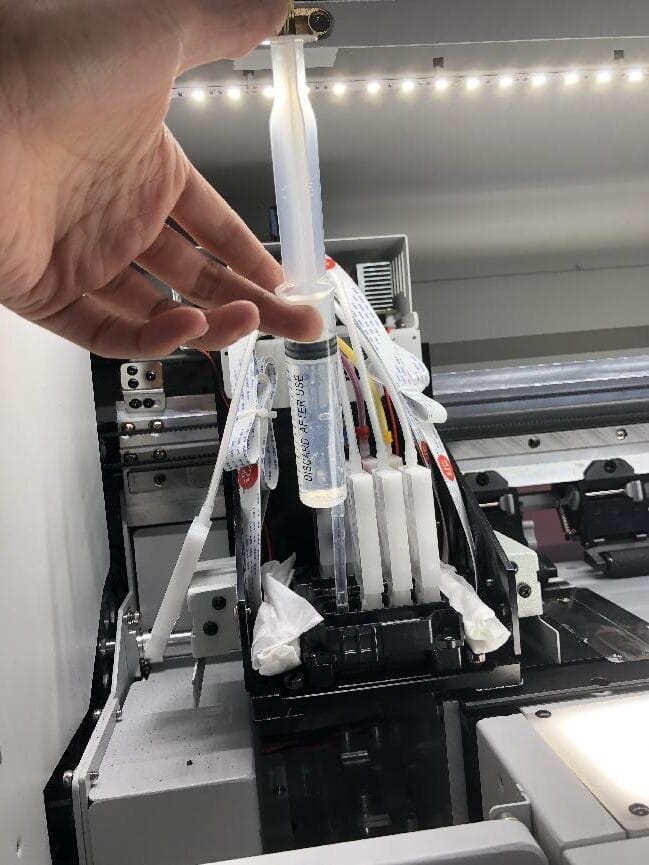
Situation 2: The printhead can not suck out the ink
Solution:
1. Check whether the printing head surface and ink stack capping are aligned when the printing head is pumping ink, and whether the printing head surface and ink stack capping are closed.
2. Check the ink stack capping whether is broken or being clogged. And check the ink tube under the ink stack capping has fallen off or broken.

3. Check that the small ink pump is working properly. If the ink can be extracted using a syringe instead of the small ink pump, the small ink pump may be damaged or clogged, the small ink pump needs to be replaced.

4. Check that the ink tube is clamped.

5. Use syringe to suck out the ink from the damper one by one, check the damper is being clogged.
6. Check the printhead is seriously being clogged, if yes, you need to dredge the printhead by a syringe.
2. The headboard is red light flashing
Solution:
1. Maybe the cables of printhead and headboard are with a poor contact. Firstly, turn off the printer and then pull out the all the cables connection then re-plug. ( PS: After pulling out one pieces of cable, you need to replug at once to avoid wrong
cables connection. If multiple cables are pulled out at the same time, it is necessary to make a mark, and then connect them back according to the marked position to avoid burning printhead or headboard caused by wrong connection. Be sure to check whether all the cables are inserted and inserted firmly, otherwise it will burn the headboard or the printhead.)

2. Maybe the problem is headboard damage, cable damage or print head broken. Turn off the printer firstly, then pull out all the cables on the printhead and headboard, next, turn on the printer, if the red light is still flashing, it is the problem of the headboard. If the headboard is not red, turn off the printer firstly, then connect a printhead separately, then turn on the printer. After connecting to which print head, the red light flashes, then the corresponding print head or cable is damaged, replace the corresponding print head cable, if it is still red, then the problem is the printhead itself.

3. The printing film offset during printing
Solution:
1. Check that the printing film is installed smoothly and correctly, whether the printing film align well, otherwise it will scratch the printhead, which is deadly to printhead.
2. Check whether the height of iron blocks on both sides of the fixed paper feeder are the same.
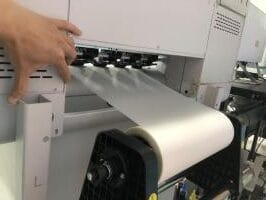
3. Check whether the fan suction function is on.
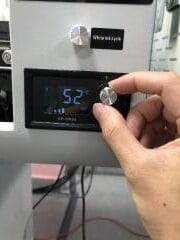
4. Check whether all the pinch rollers are pressed, check whether the pinch roller is damaged

4. The printhead without ink coming out or nozzle test strip is abnormal
Solution:
1. Check the printhead whether can suck out the ink (the solution follow the Qusstion one situation 2)

2. Check the headboard whether with red light flashing(According the Question 2)
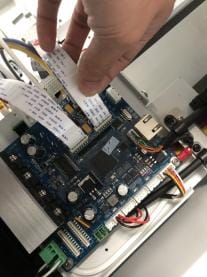
3. Testing the problem of the print head itself or the problem of the channel on the head board,you need to connnect the print head which can’t print at all or can’t print a complete test trip to the other channel on the head board

4. Check the cables on the both side of printhead whether there is any ink on the cables, clean away the ink on the printhead and then wipe it with dust-free cloth, confirm there is no ink on, then replace new cables, if the issues are the same, the problem is that there is ink leaking inside the printhead lead to the printhead burnt out.


5. The headboard or the mainboard occur Letter A, means that the headboard and main board are fail to connect.
Solution:
1. Check whether the cable connected between the headboard and the main board is damaged or in poor contact

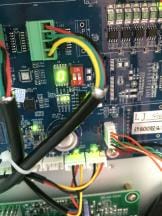
2. If the cable connected between the headboard and the main board is no problem, then the headboard or the main board has a problem, replace the test one by one.
6. The printer software is disconnected from the printer
Solution:
1. Check whether the printer is ON and whether the software version is correct

2. Check whether the printer network cable is in poor contact
3. Check whether the computer IP address is correct, the correct IP address :192.168.127.11(the first three digits must be the same, the last digit can not be 10, other number can be)

4. Check the computer’s network cable port whether with a gigabit network card, 100Mbps network card will fail to connect to the printer.

5. Check whether the network cable connection port on the main board is damaged.
DTF Dryer: Common Issues and Solutions
Dusting motor or Powder shaking motor not work
1. Check whether the bearing is stuck or damaged

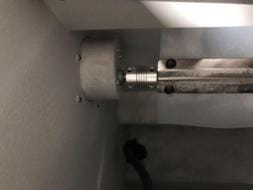
2. Check whether the motor works, if it does not work, check whether the motor has DC 24V voltage input, there is a voltage input but the motor does not work, that is, the motor is broken. No voltage input need to check whether the powder dusting switch is damaged and whether the wire is in poor contact.
Abnormal heating
1. Check whether the heating pipe is all working, if there is damage, it need to replace.
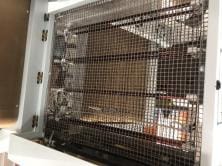
2. Check whether the probe and the temperature controller’s wire are in bad contact
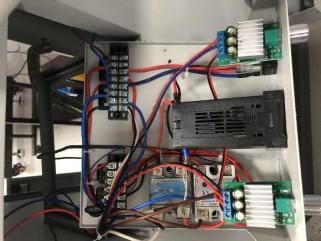
3. Probe, the temperature controller or solid state relay(SSR) damage, need to be detected one by one
The paper rewinderr does not work
1. Check the sensor

2. Check the paper rewinder switch

3. Check the motor of the paper rewinder