
Automatic Powdering, Recycling and Curing
Select Your Printer Model
(Default: Universal)
Choose your model from the drop-down menu below.
XINFLYING Automatic Powdering, Recycling and Curing
Applicable Model: Universal
Video Tutorial
Follow the film through automatic powder application, removal and recycling of excess powder, and heat curing before heat transfer.
Applicable model: General. Required items: printed DTF film, compatible hot melt powder, and a configured powder shaker and dryer.
Step 1. Follow the Film Through Powdering
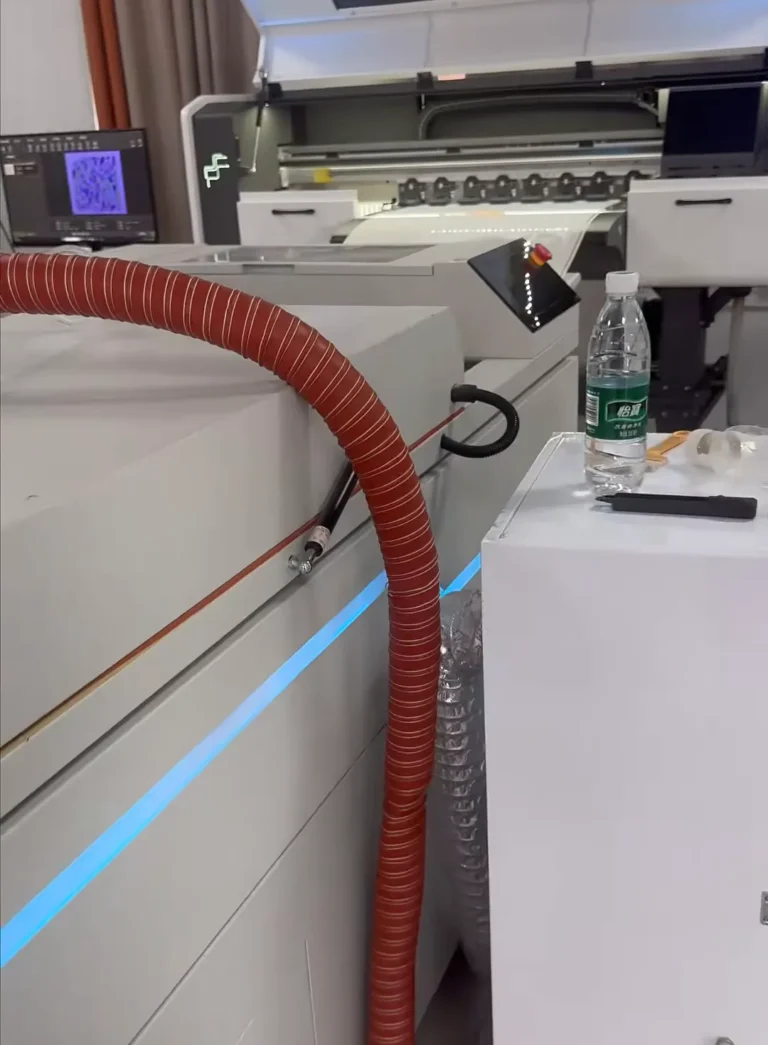
1.1 Feed the freshly printed film through the configured powder shaker. The machine applies hot melt powder over the printed area and removes excess powder for recycling (See Figure 1.1, left).
1.2 Keep the film moving smoothly into the drying section (See Figure 1.1, right).

Step 2. Cure and Collect the Film
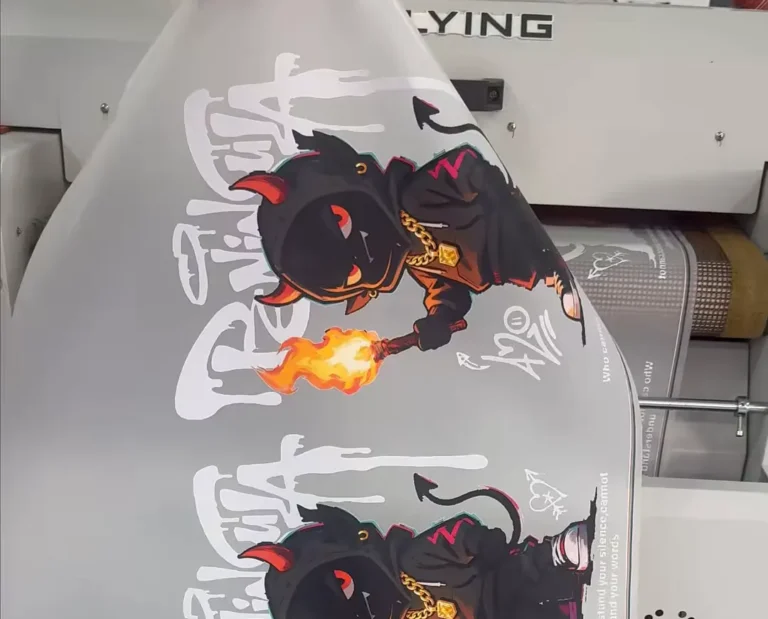
2.1 Allow the film to pass through the curing section using the settings approved for the powder and film. Collect the cured print for the heat transfer stage (See Figure 2.1).
If you are not sure about any step, please contact the XINFLYING Technical Support Team for assistance.
© 2026 XINFLYING Technical Team. All rights reserved.
Do not reproduce or modify this document without permission.
For support, please contact: [email protected] | www.xin-flying.com