
Operate the Fume Purifier During DTF Printing
Select Your Printer Model
(Default: Universal)
Choose your model from the drop-down menu below.
XINFLYING Operate the Fume Purifier During DTF Printing
Applicable Model: Universal
Video Tutorial
Run the purifier before printing, throughout powdering and curing, and for 10 to 20 minutes after production.
Applicable model: General. Required items: installed purifier and connected extraction hose.
Step 1. Start Extraction Before Printing
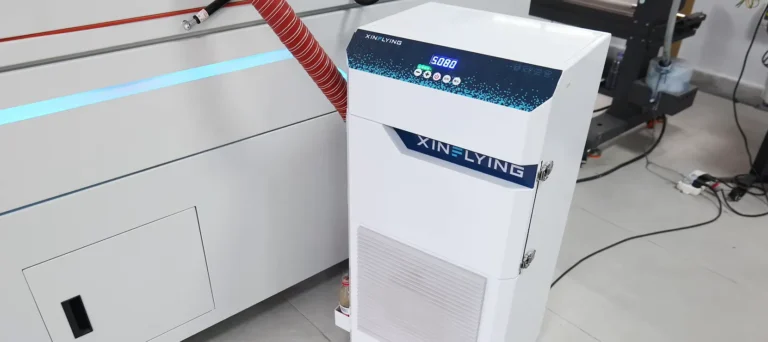
1.1 Check that the extraction hose is connected, then switch on the purifier using its control panel before starting the print job (See Figure 1.1, left).
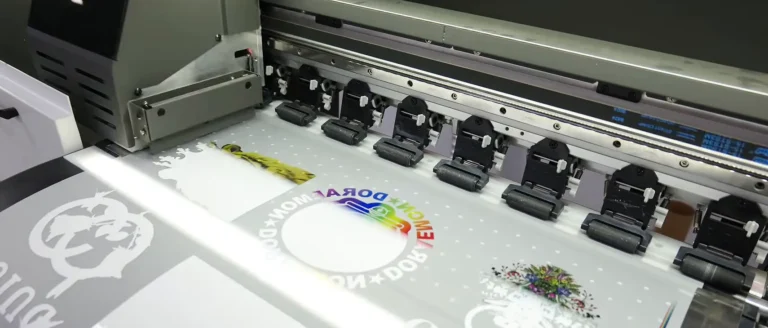
1.2 Keep extraction running as the printer applies ink to the film (See Figure 1.1, right).

Step 2. Continue Extraction During and After Curing
2.1 Leave the purifier running while powder is applied and the film passes through curing and drying (See Figure 2.1, left).
2.2 After production finishes, keep the purifier running for a further 10 to 20 minutes as part of the illustrated workflow (See Figure 2.1, right).

If you are not sure about any step, please contact the XINFLYING Technical Support Team for assistance.
© 2026 XINFLYING Technical Team. All rights reserved.
Do not reproduce or modify this document without permission.
For support, please contact: [email protected] | www.xin-flying.com